Free
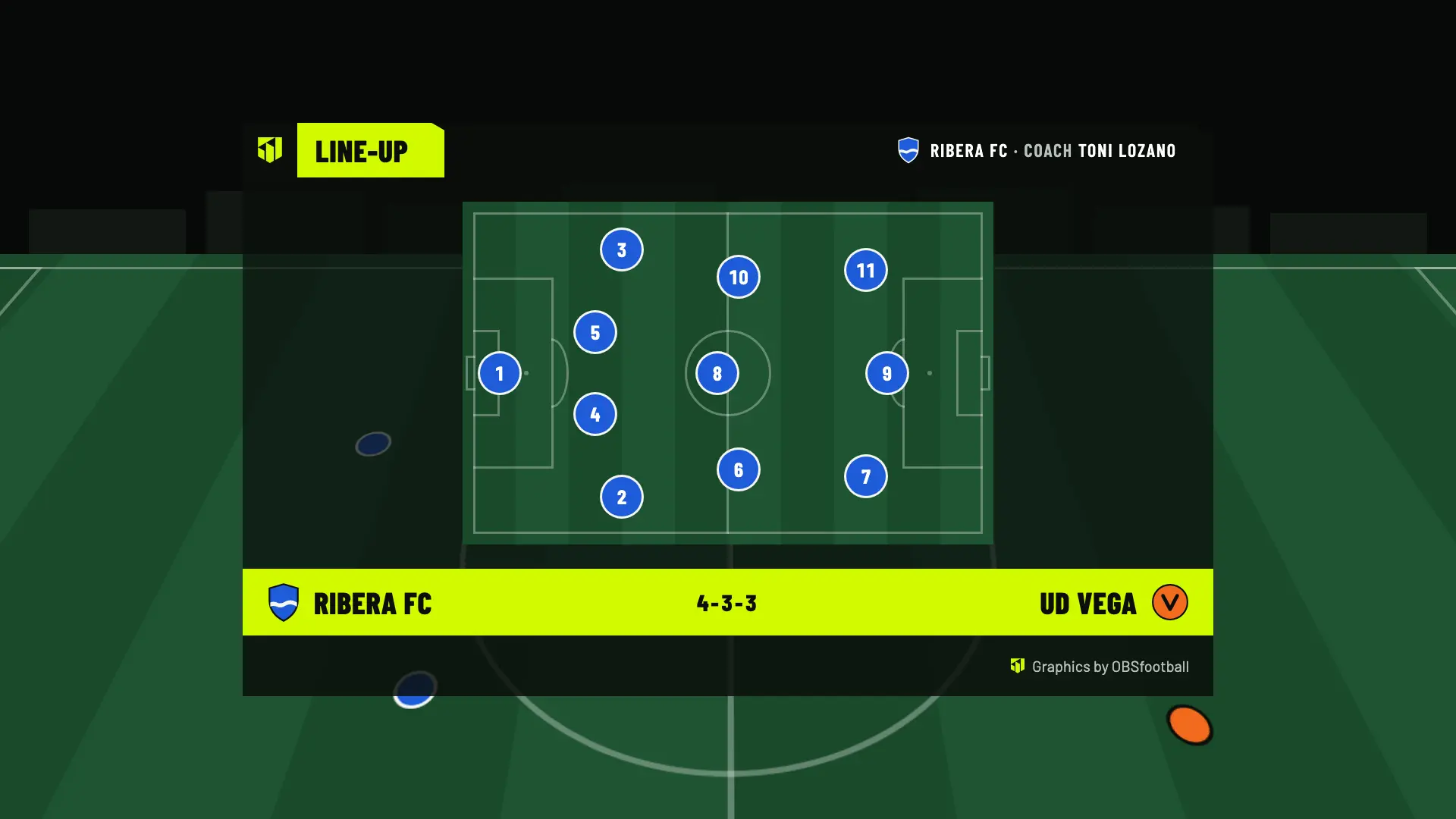
2 welcome matches with the scoreboard, lower thirds, line-ups and result. No card needed.
A scoreboard, goals with the scorer’s name and line-ups on top of the stream you make with OBS. So grandparents, aunts and uncles, and anyone who couldn’t make it can enjoy the match from home. You control it from your phone, on the sideline.
Your first 2 matches are free. Player names are optional.
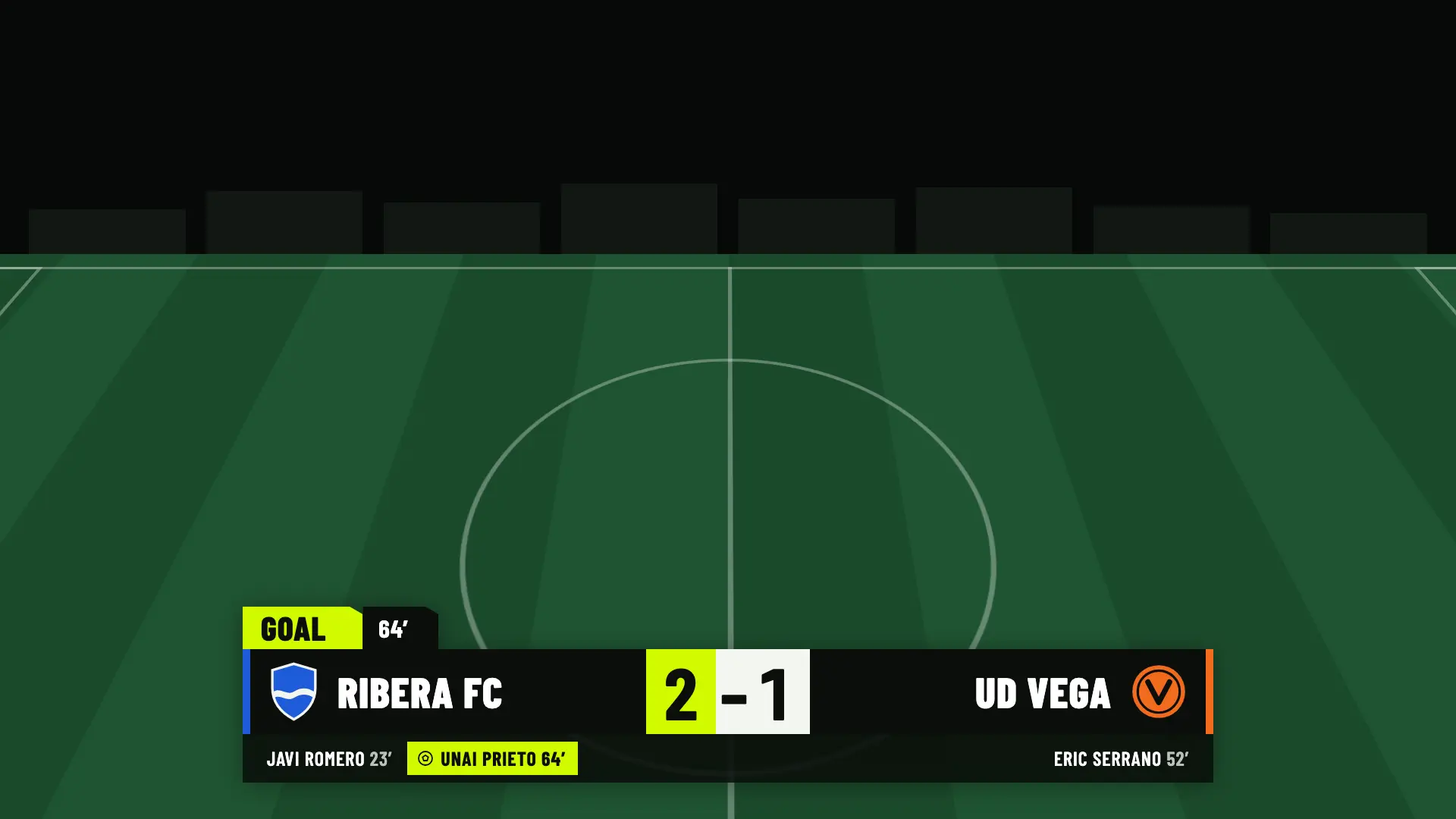
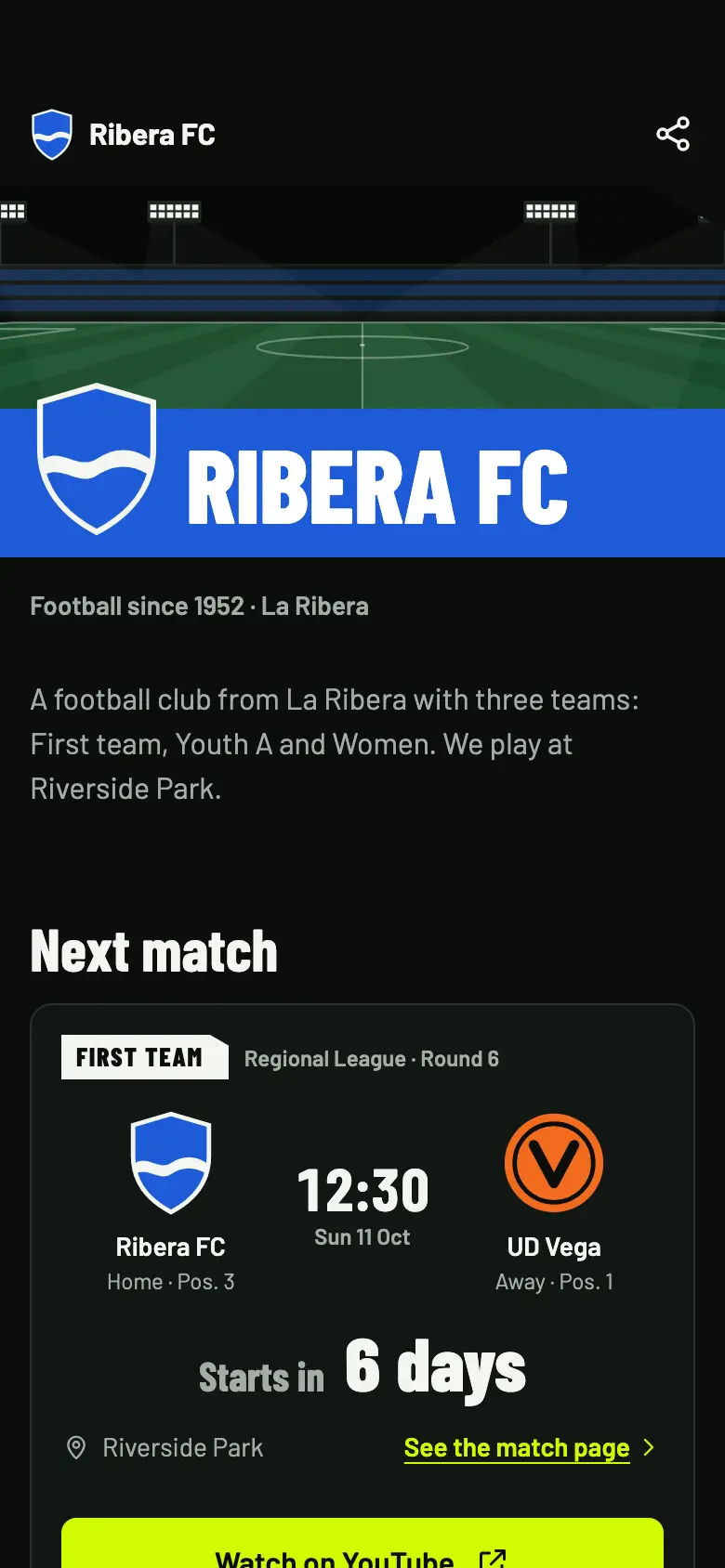
You already bring the camera. OBSfootball adds what makes the match easy to follow and enjoy from home.
The scoreboard and the clock are on screen the whole match. Anyone who joins halfway through gets it at a glance.
When they score, a lower third with their name and the minute appears for ten seconds. If you’d rather not use names, the shirt number is enough.
The match page has the time, the countdown and the button to watch it on your channel. Share it on WhatsApp or with a QR code.
An example match morning for an under-12 team. The times are approximate.
Tripod, camera connected to the laptop and OBS open with the OBSfootball browser source. You leave it ready from the first match on.
You share the match link in the group. They see the time, the countdown and the button to watch it on YouTube.
On your phone you tap Start production and Start the match. The scoreboard appears on the broadcast with the clock running.
You tap Goal, pick her shirt number and the lower third appears. At home they celebrate almost at the same time as on the sideline.
The result comes up with the goalscorers. Once you close the match, the result stays on the match page for anyone who couldn’t watch live.
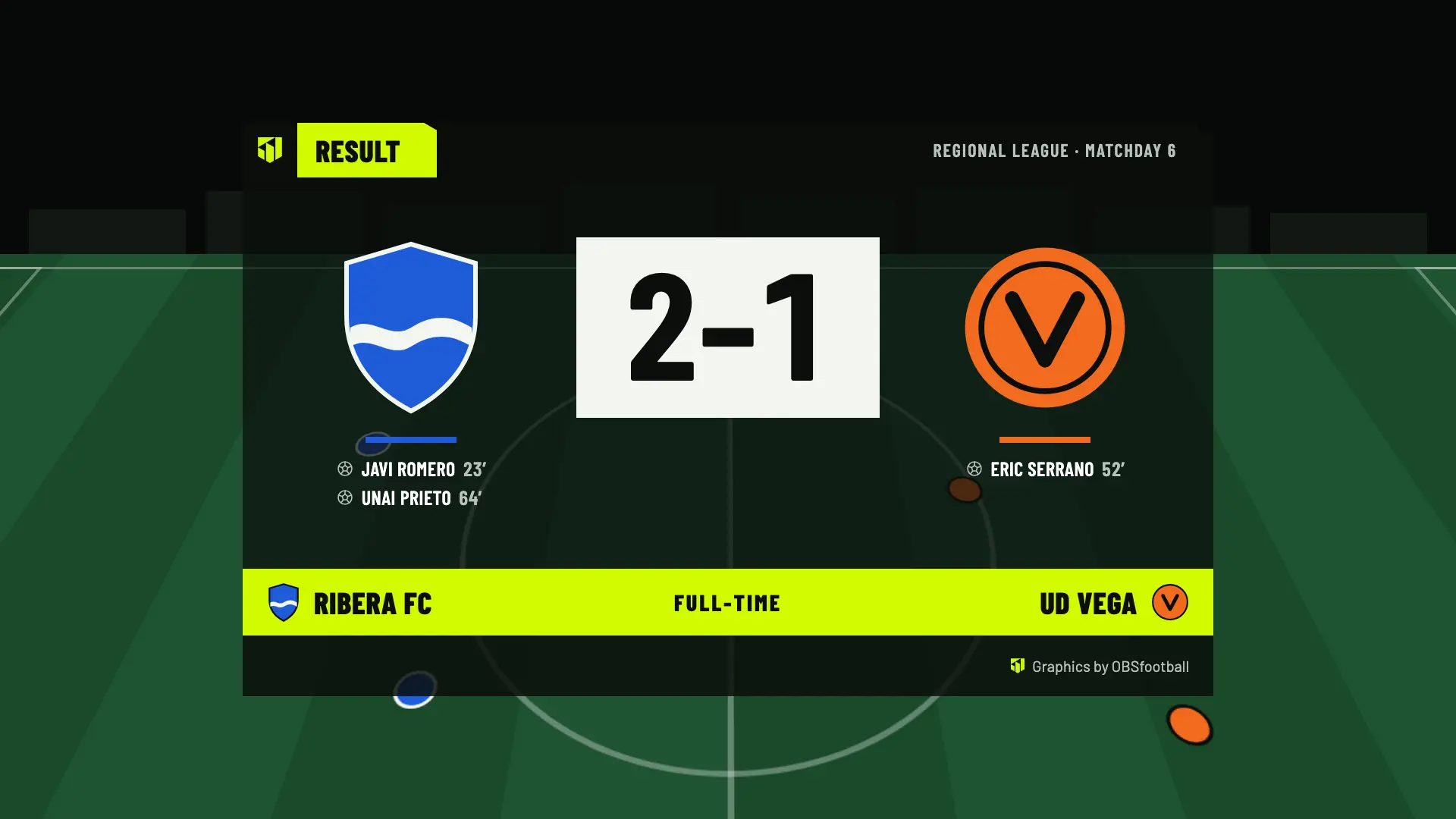
This graphic comes with every plan, including the free matches.
OBSfootball doesn’t broadcast the video: it puts the graphics on top of your stream. Here is what you need.
OBS is a free program for Windows, macOS and Linux. That is where you combine the camera and the graphics.
A camcorder, a webcam or a phone that you connect to OBS as a camera.
Club Wi-Fi or mobile data. The more upload speed you have, the better the broadcast will look.
Your YouTube, Twitch or Kick channel. You add the link to the match page.
Yours or the phone of whoever helps you. It opens in the browser, with nothing to install.
The higher and steadier it is, the easier it is to follow the ball. A microphone is optional.
These are children. That is why names are optional and nothing from their player profile is published unless the club switches it on.
Before you broadcast, ask the team’s families for permission. The broadcast and its images are the responsibility of whoever makes it, not of OBSfootball.
The plan belongs to the club or the team that creates it. Whoever helps with the control doesn’t pay.
2 welcome matches with the scoreboard, lower thirds, line-ups and result. No card needed.
One match with the team’s look: its color in the graphics, its crest on the scoreboard and its hashtag. 24 hours from when you start.
Every match of the team, with statistics and the result image for social media.
Does the club already use OBSfootball? Ask them to invite you to the match as an operator: you run the control and pay nothing.
For the graphics you need OBS, which runs on a computer. The phone is for running the control, and it can also act as the camera if you connect it to OBS.
It isn’t required: anyone can create the team’s space. Even so, it is best to do it together with the club and the coach, so that every family agrees.
Only if someone types them in. Names are optional, and the squad on the public page stays off until the club switches it on.
On your YouTube, Twitch or Kick channel. On the match page they get the time, the countdown, the button to watch it and a file to add it to their calendar.
The first 2 matches are free. After that, €4.90 per match with Match Pass or €19/month with Pro to broadcast as many as you like.
Create the team and the match without an account. The first 2 are free.
If you accept, we share your public page visits, clicks to the app and, once permission is confirmed, your registration and purchases with TikTok to measure our ads. TikTok also receives technical browser information.
This is optional and separate from app analytics. We store campaign identifiers for 30 days. You can use OBSfootball without accepting and change your choice here. Privacy policy