Skip to content
Guides

Football streaming guides and tutorials

Step-by-step guides for setting up your club’s broadcast with OBS, and video tutorials that show you how to use OBSfootball. Start with the complete guide.

OBS · LIVE SCOREBOARD
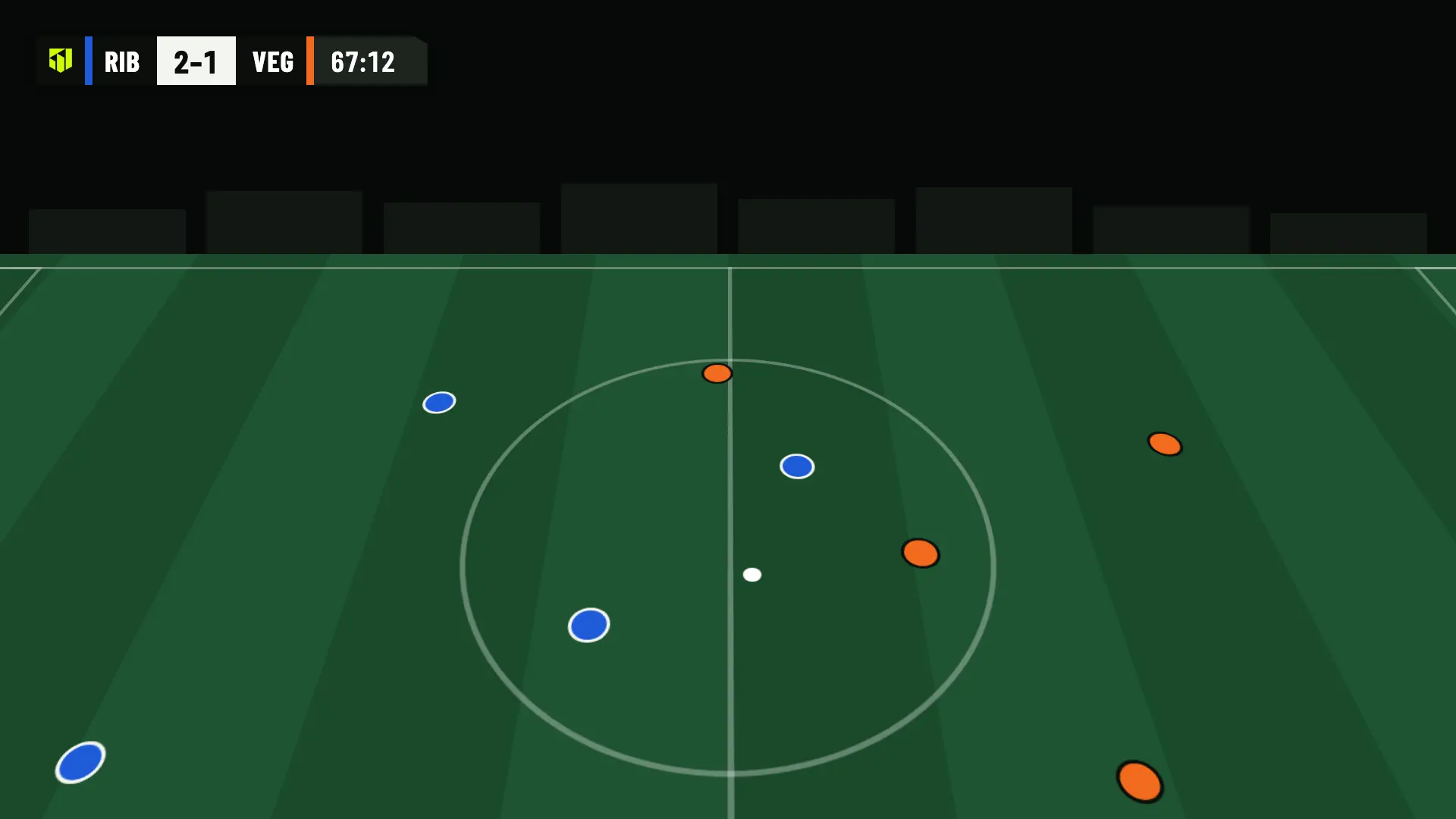
Scoreboard in OBS: Ribera FC 2, UD Vega 1, minute 67
Complete guide

How to stream a live football match, step by step

From the tripod to the final whistle: what you need, where to put the camera, how to set up OBS and your channel, how to check your connection and how to run the match from your phone with the OBSfootball graphics.

9 min readUpdated Oct 27, 2026

  1. What you need
  2. Where to put the camera
  3. Set up OBS
  4. Connect your channel
  5. Internet connection
  6. Set up the match
  7. Match day
  8. After the final whistle

More guides and tutorials

  • Video tutorial

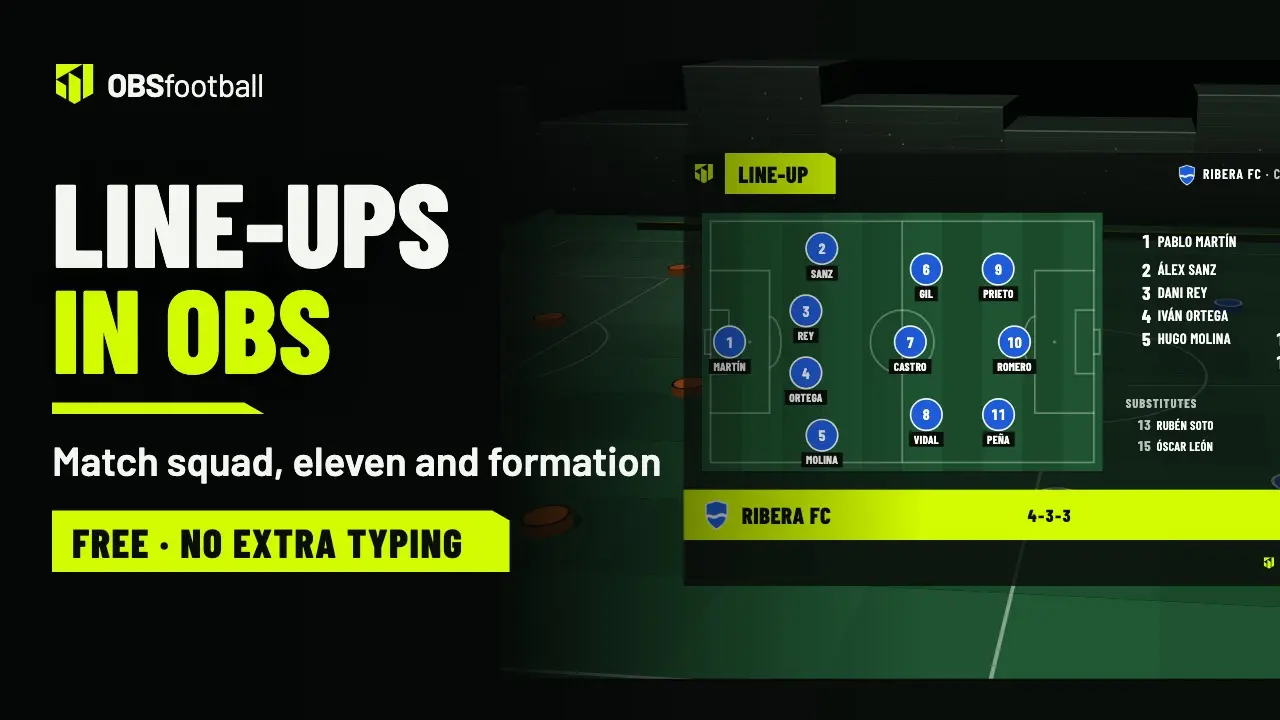
    Line-ups: match squad, eleven and formation

    Where the match squad comes from, the shortcuts that save typing, the eleven in one of the 9 formations, the opponent with shirt numbers only, how it shows in OBS and how to do it without names.

    4 min 30 s

  • Video tutorial

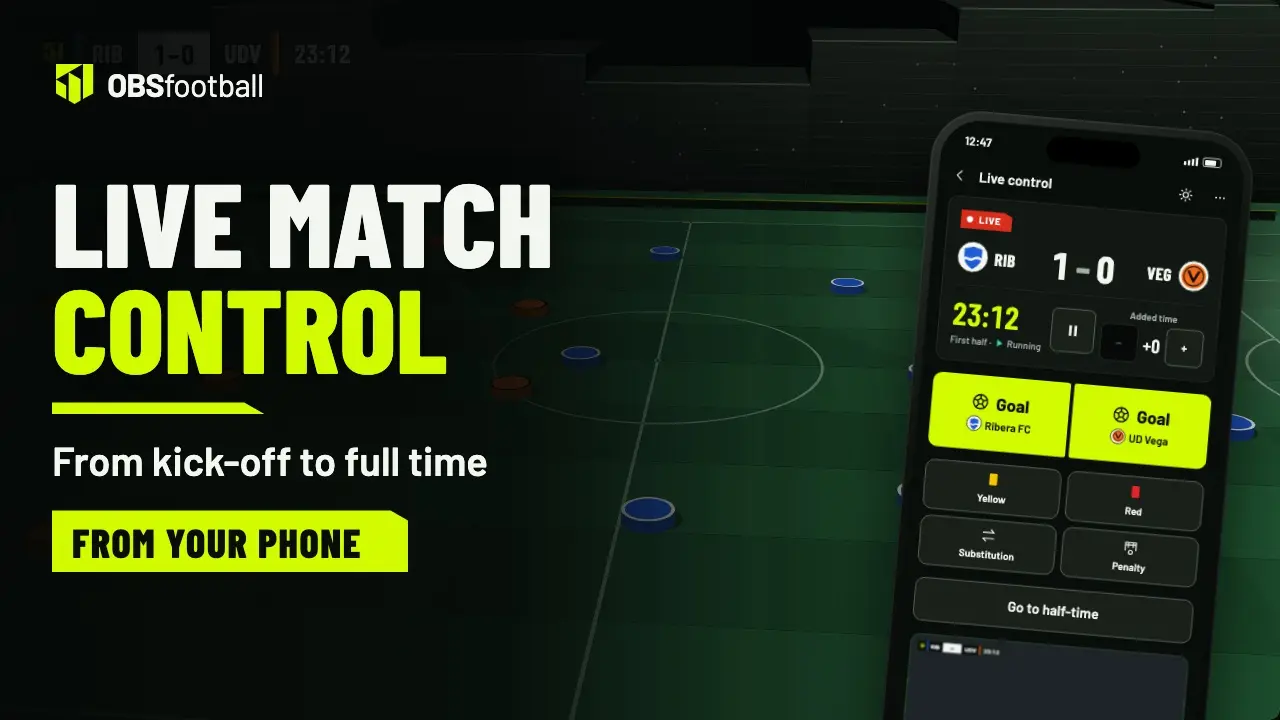
    Live match control: the scoreboard from your phone

    From kick-off to the final whistle: the clock, goals, cards, substitutions, penalties, half-time, extra time and what to do if you lose signal.

    4 min 59 s

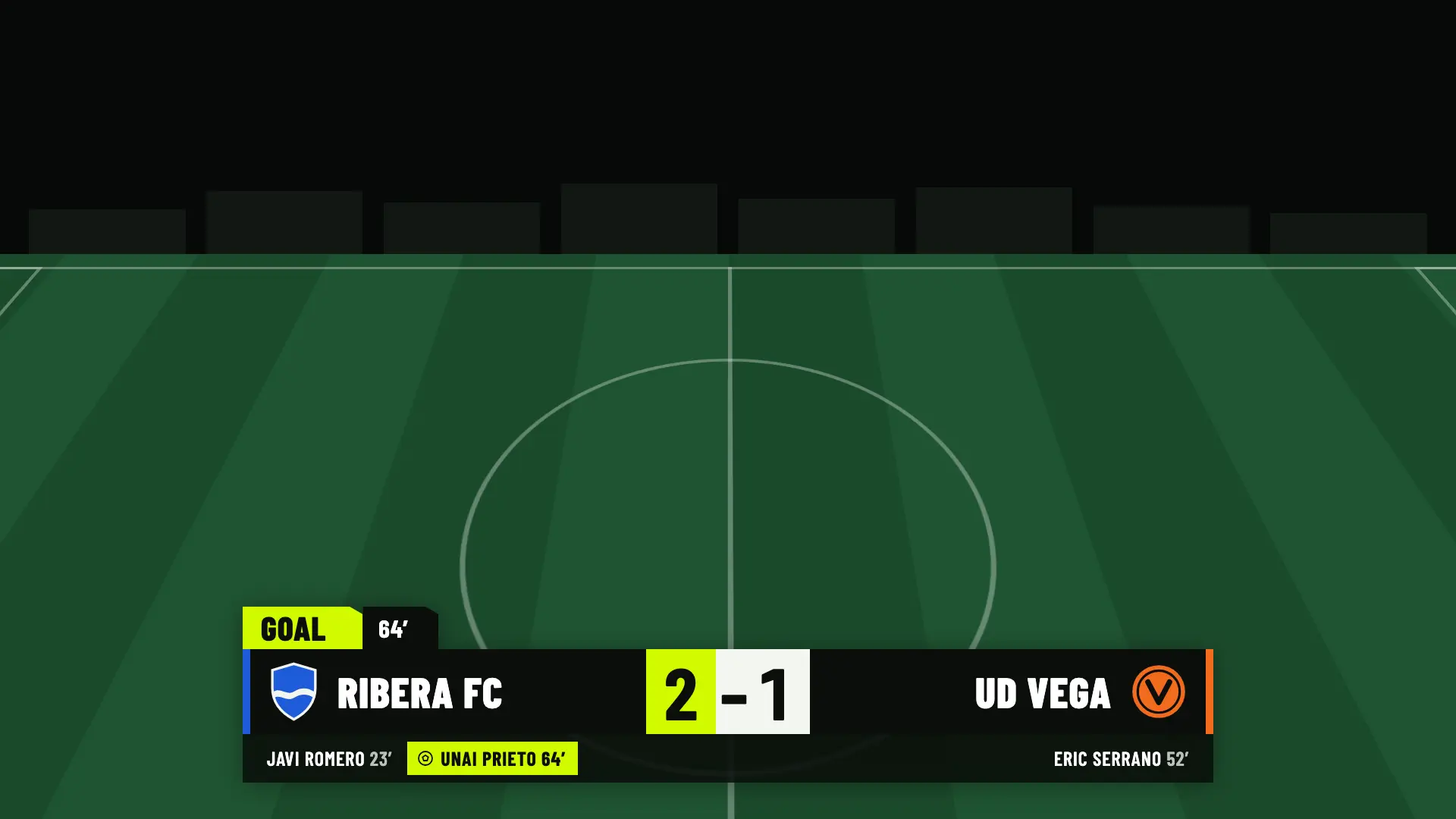
OBS · GOAL LOWER THIRD10 s on screen
Goal lower third in OBS: goal by Unai Prieto in minute 64, Ribera FC 2, UD Vega 1
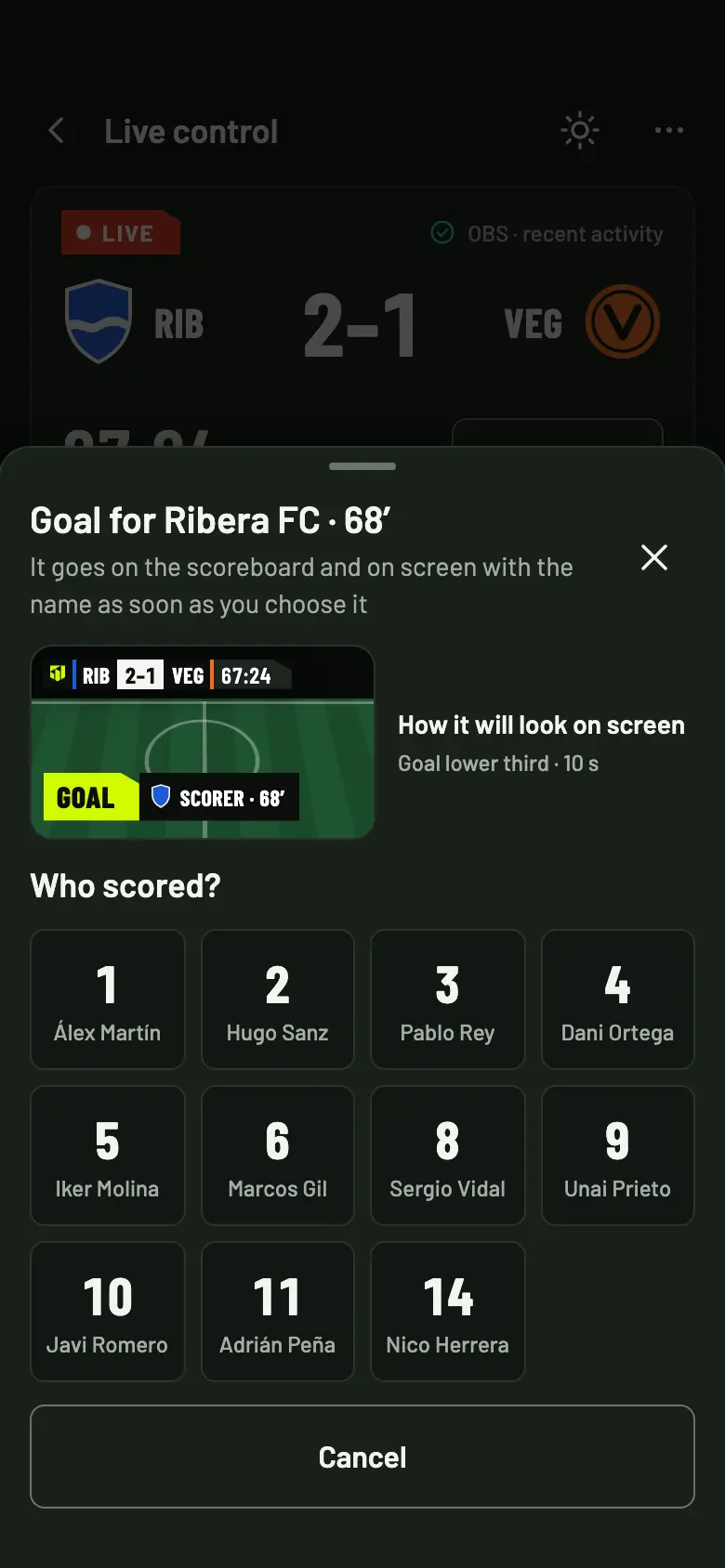
The “Who scored?” sheet with the Ribera FC shirt numbers and the lower third preview
The demo

Prefer to see it in action?

The home page has a demo with a test phone: you tap Goal, choose the scorer and watch the lower third appear the way it would in OBS. It’s sample data and nothing is broadcast.

Your first 2 matches are free. Preparing and previewing costs nothing.