OBS graphics
The scenes and the scoreboard where your sponsors’ logos appear.
Your sponsors appear where your fans are looking: on the club page, on the OBS broadcast and in the social media images. Each plan adds another place, and with Studio a report shows how long each brand was on screen.
The club page, with your sponsors, is free on every plan.
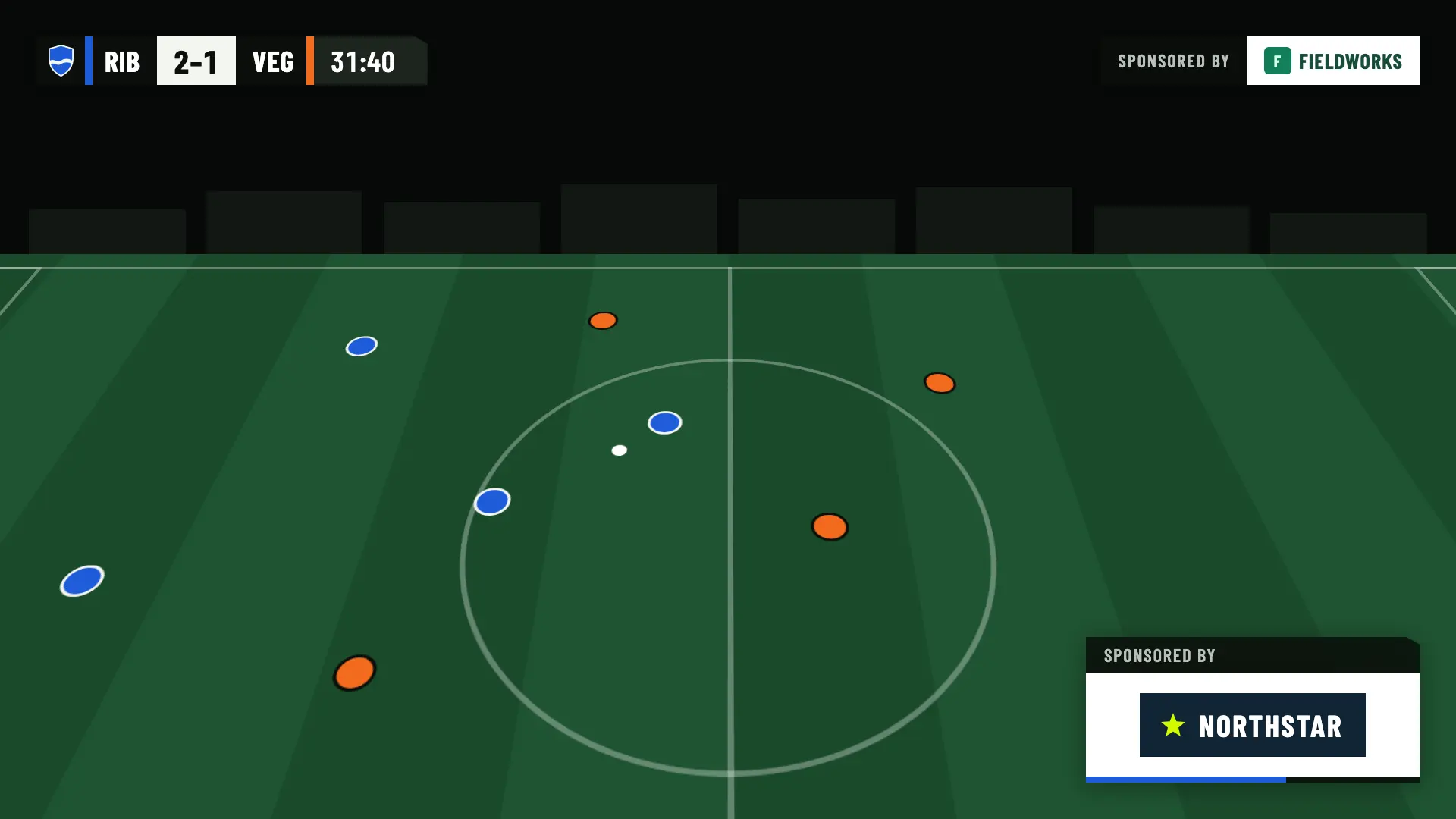
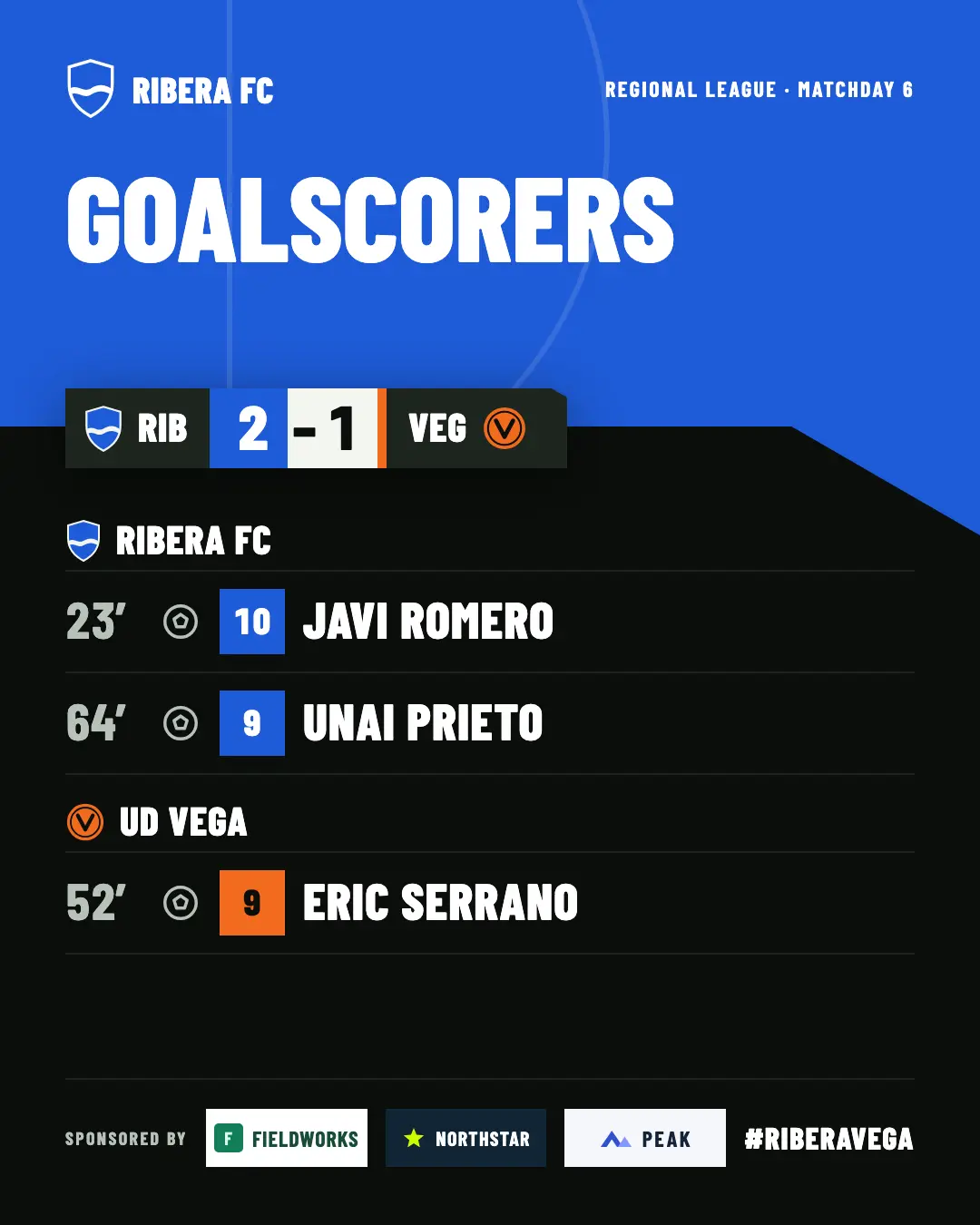
You upload your sponsors once, and each plan adds one more place where they appear.
Name, logo and website, on the club page and on the page of each published match.
A strip at the bottom of each graphic. With more than three sponsors, it turns to the next page every 5 seconds.
One fixed sponsor, others rotating every 5 to 60 seconds and others scheduled by minute.
Up to 4 sponsors per image, with their Instagram mentioned in the suggested text.
During a goal, a card or the penalty shoot-out, the logos are hidden.
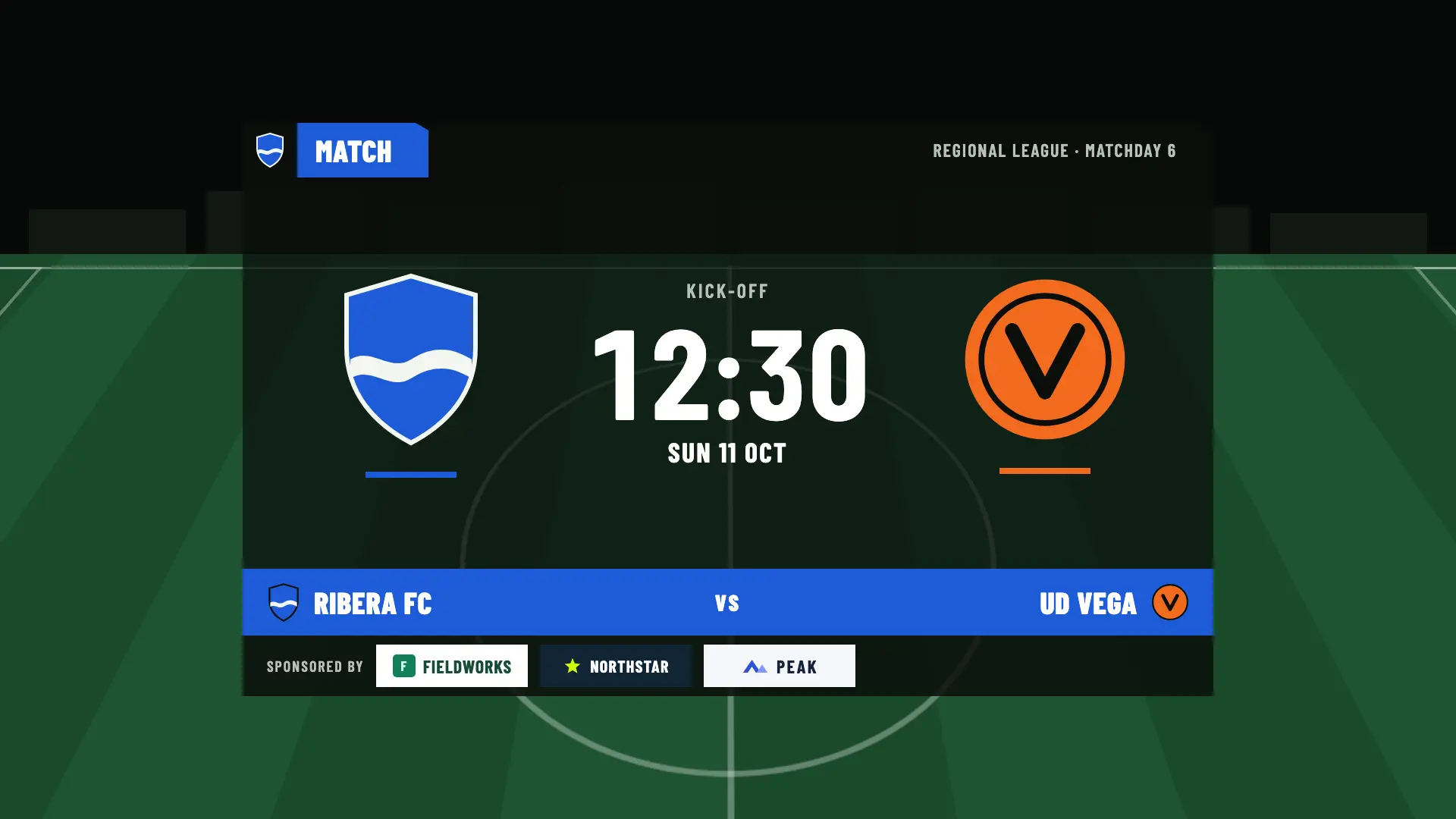
Before kick-off, the match card appears with the logos at the bottom. At half-time and full-time, the score carries the same logos.
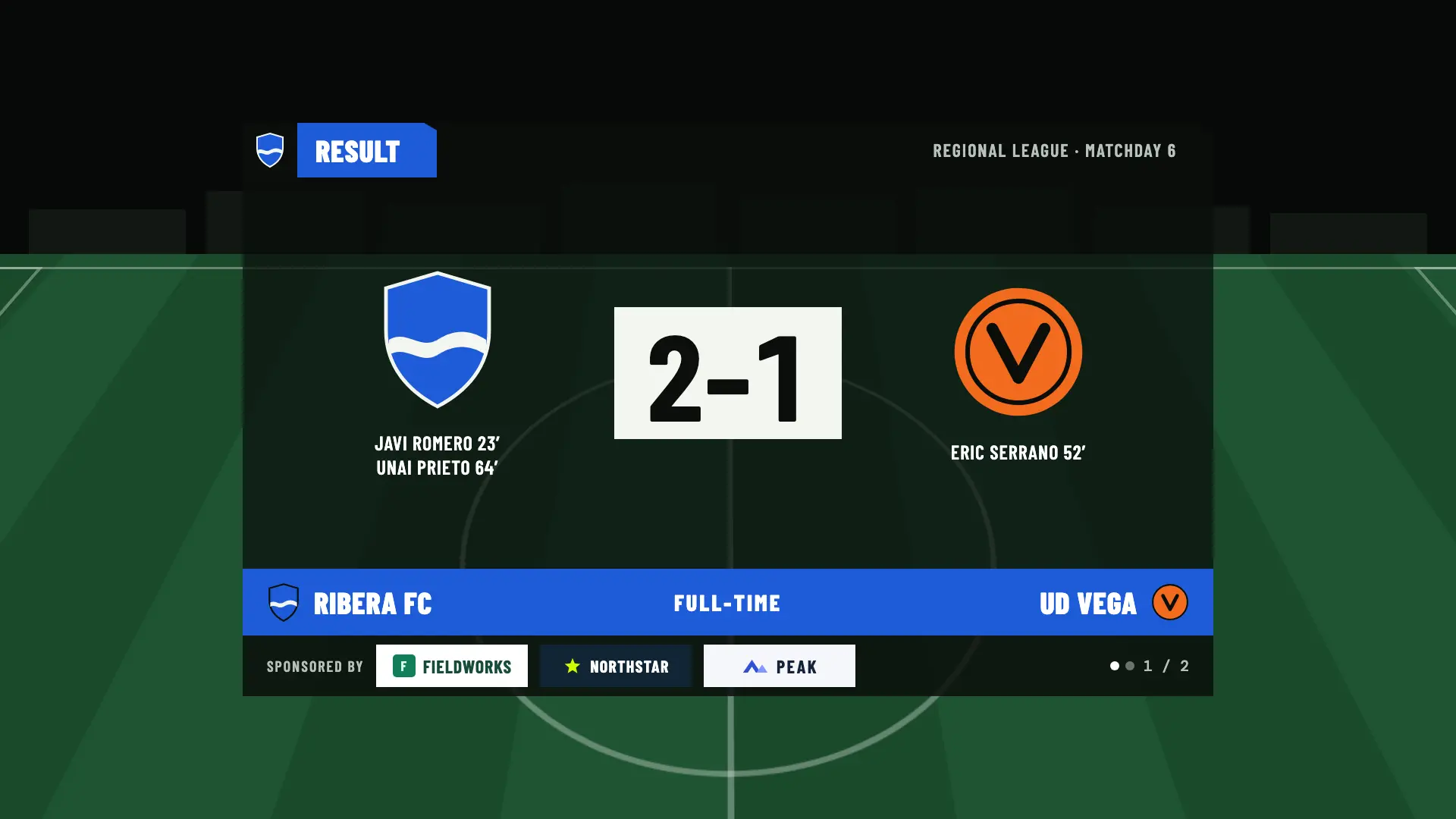
With more than three, the logos are split into pages that change every 5 seconds. Each sponsor gets a turn, with dots and the page number on the right.
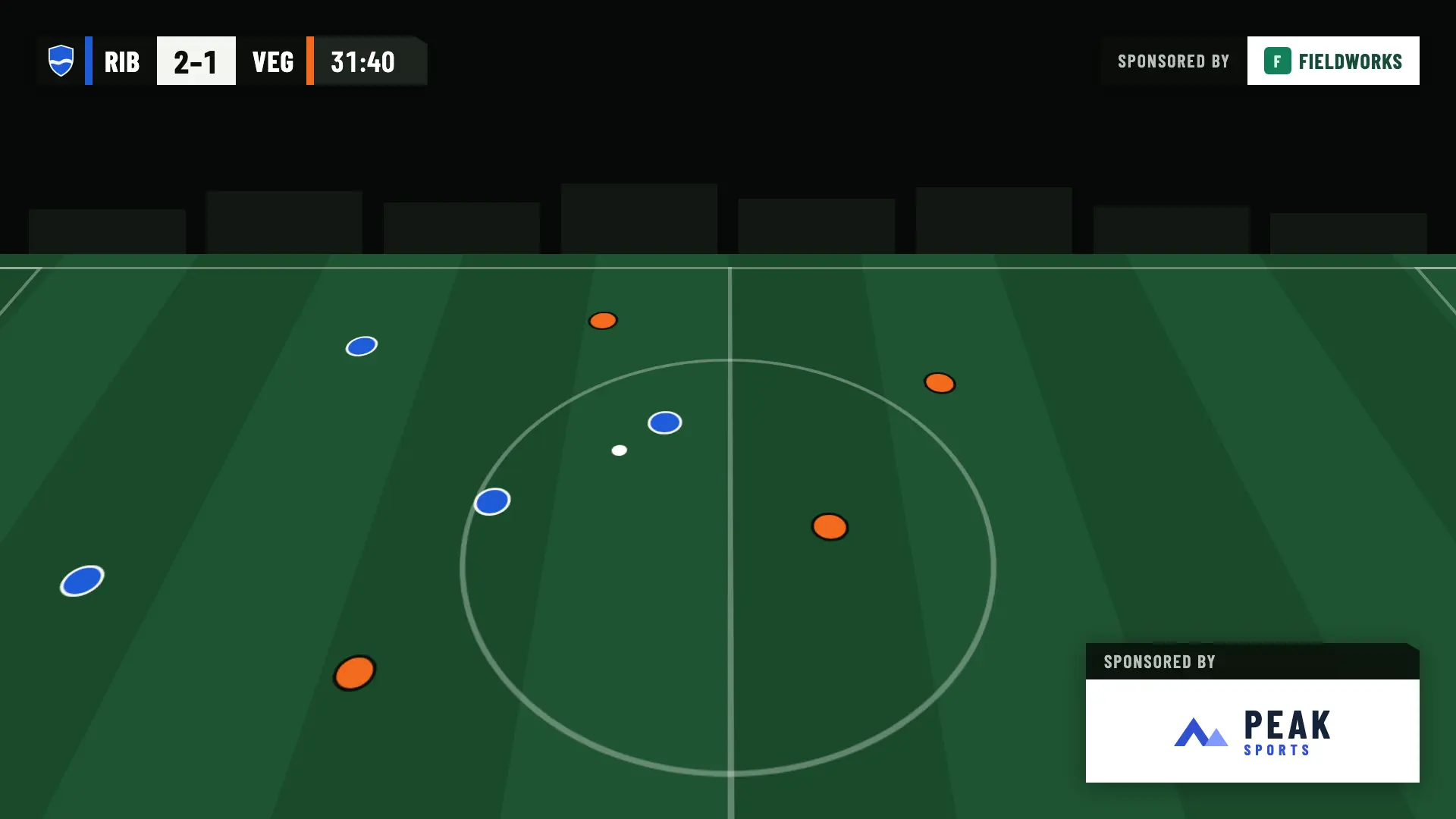
While the match is being played, sponsors appear in two places: one fixed at the top right and a card at the bottom right.
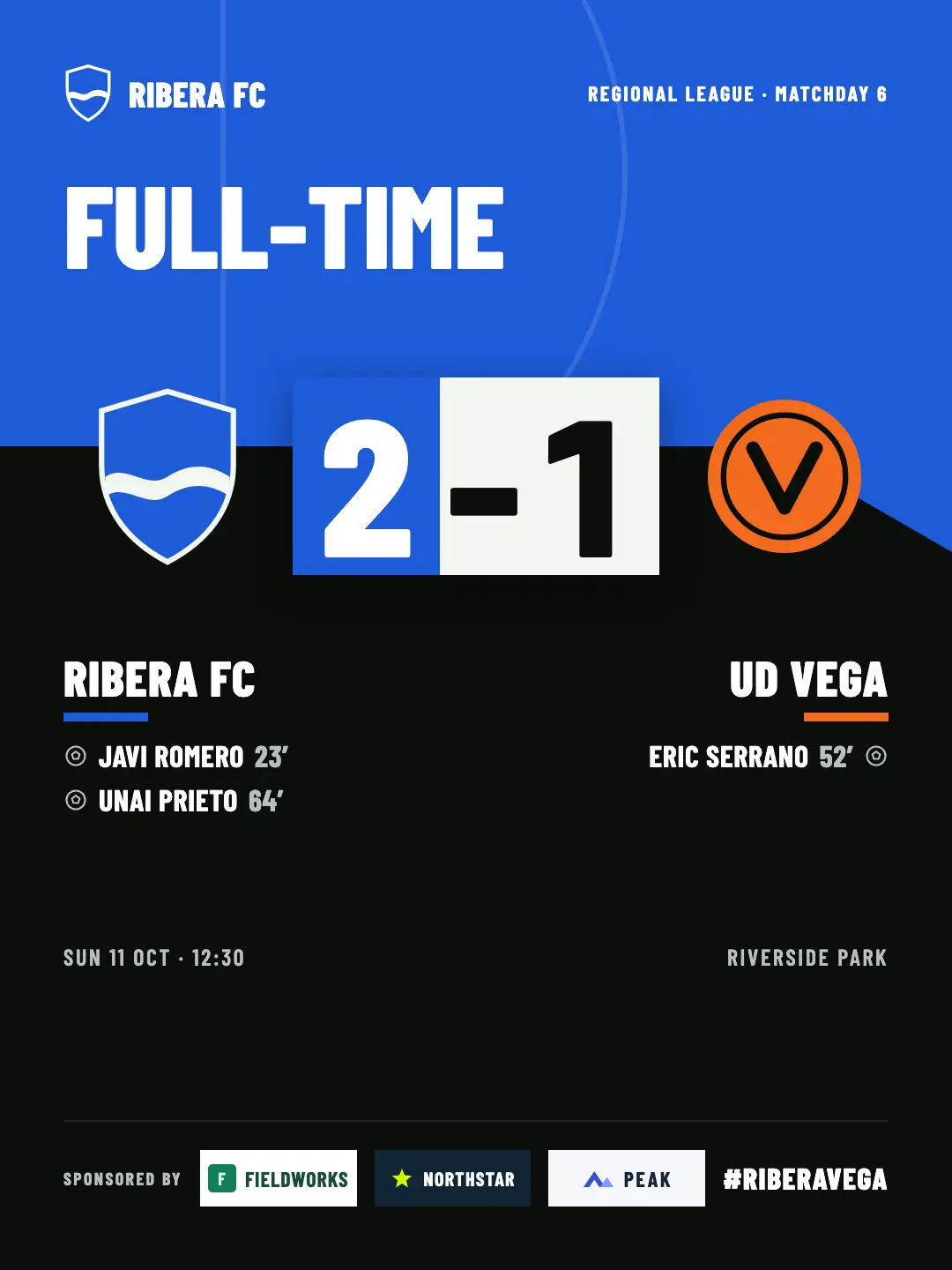
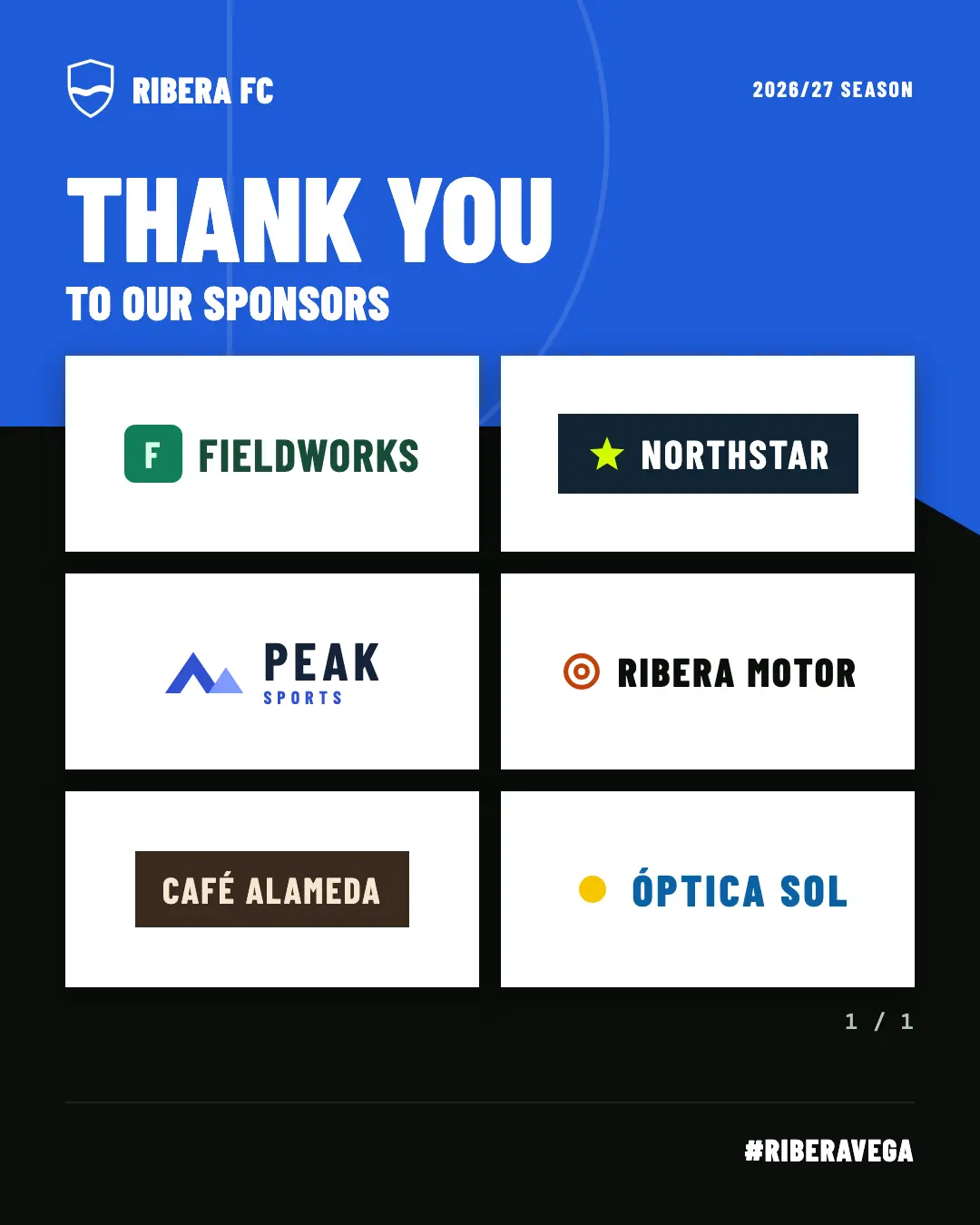
Social media images carry up to 4 sponsors in the footer. And the suggested text mentions them with their Instagram.
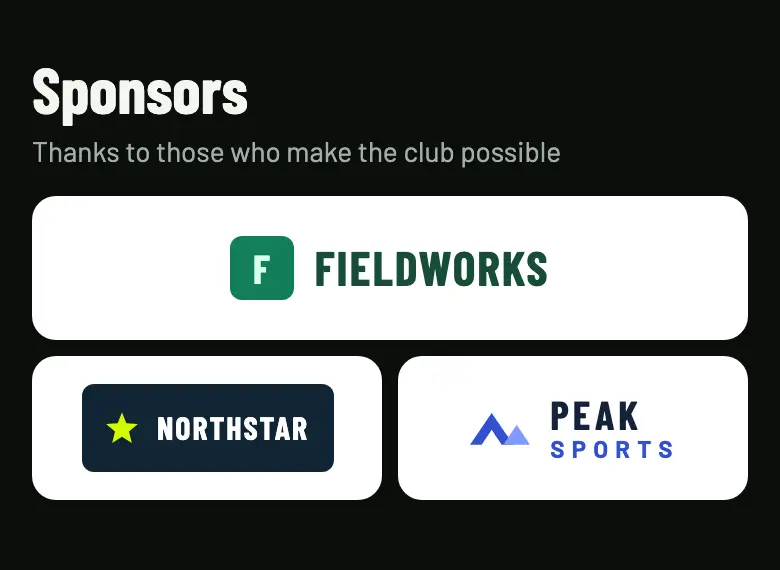
On the club’s public page and on the page of each published match, sponsors appear with their name, logo and website. It’s the only placement the Free plan includes.
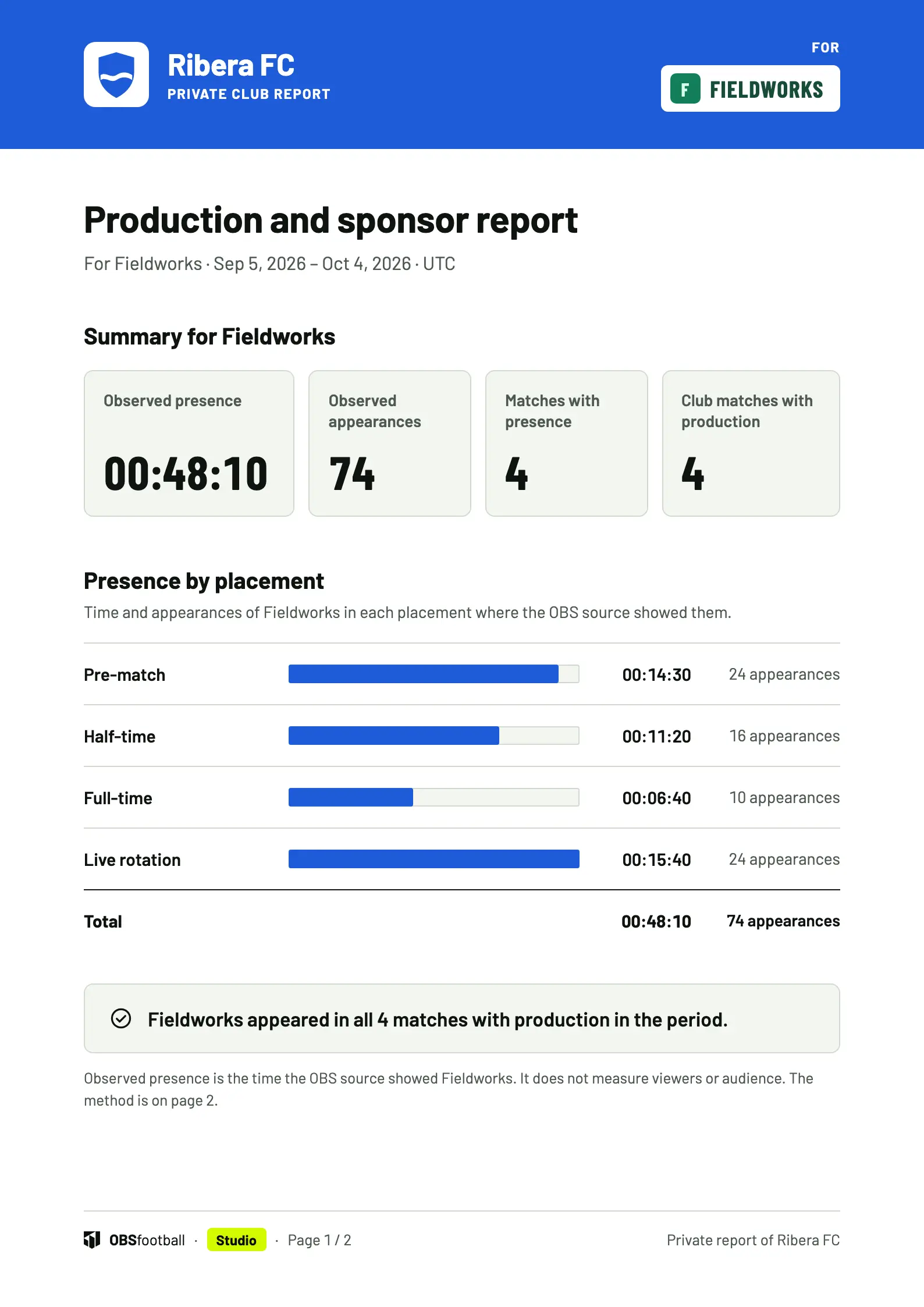
When it’s time to renew, show each sponsor how long their brand was on screen, how many times it appeared and in which matches. In a PDF ready to send.
One PDF with all the sponsors and their times.
Only their figures, with your club crest and their logo.
A PDF for each one, so you can send every sponsor only its own report.
The last 7, 30 or 90 days, or your own dates up to 366 days. Filter by team, season, match or sponsor.
The report counts the time the OBS browser source showed each brand. It doesn’t measure viewers or how many people watched the broadcast.
From “Start production” until “Stop production”. Each period between the two is a session.
The browser source reports roughly every 2 seconds what it is showing. A gap of more than 6 seconds ends the run.
An appearance is a continuous run in which the source showed the sponsor. Presence is the total time of its appearances.
The report is private: the club’s owner, admins and editors can see it. Viewing or downloading it doesn’t use up a match. The data is kept for 730 days and starts with your next production: earlier broadcasts aren’t reconstructed.
Each sponsor has its own profile. You choose the placements where it appears, and those settings apply to all your matches.
The club page is included in every plan. The broadcast starts with Match Pass, while sponsors during play, on social media and in the report come with Studio.
| Placement | Free | Match Pass €4.90 | Pro €19/month | Studio €39/month |
|---|---|---|---|---|
| Club page and the page of each match | Included | Included | Included | Included |
| Footer on the pre-match, half-time and full-time screens | Not included | Included | Included | Included |
| Fixed corner during play | Not included | Not included | Not included | Included |
| Rotation of 5 to 60 seconds | Not included | Not included | Not included | Included |
| Appearances scheduled by minute | Not included | Not included | Not included | Included |
| Up to 4 sponsors per social media image | Not included | Not included | Not included | Included |
| PDF report for sponsors | Not included | Not included | Not included | Included |
| Sponsors per club | Up to 50 | Up to 50 | Up to 50 | Up to 50 |
Up to 50 per club, on every plan. For each one you save the name, logo and website and, if you want, their Instagram username to mention them in the text of your posts.
No. The report measures the time the OBS browser source showed each brand. It doesn’t measure viewers or the audience of your broadcast: it’s for showing presence on screen, not reach.
Yes, with Studio. You choose the minute of its first appearance (0 to 120), how often it repeats (every 1 to 60 minutes) and how many seconds it stays on screen (5 to 60). It follows the match clock and takes priority over the rotation.
No. During a goal, a card or the penalty shoot-out, the logos are hidden.
Only on the club page and on the page of each published match. On the broadcast they appear from Match Pass; during play, in the social media images and in the report, with Studio.
Upload them once and they appear on the club page, for free. With Match Pass, Pro or Studio, they also appear on the broadcast of your next match.
If you accept, we share your public page visits, clicks to the app and, once permission is confirmed, your registration and purchases with TikTok to measure our ads. TikTok also receives technical browser information.
This is optional and separate from app analytics. We store campaign identifiers for 30 days. You can use OBSfootball without accepting and change your choice here. Privacy policy