Social media graphics
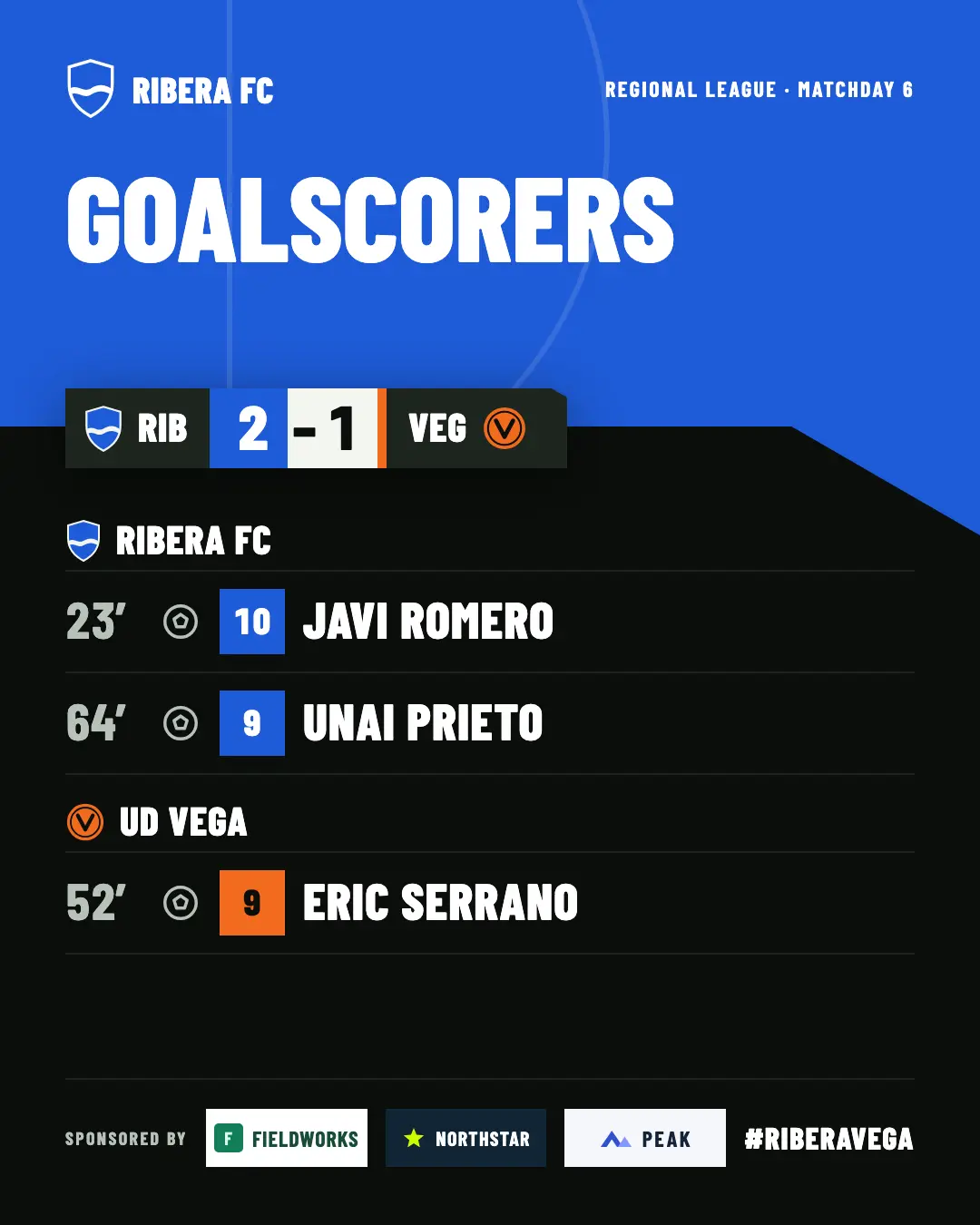
The result, the goalscorers and more, ready to post with suggested text.
When you score, your name comes up on the match broadcast, if your club has entered it. Afterwards, your goals can show up on the club page and in the images it posts. You don’t pay anything: your club switches it on.
Your club gets 2 free welcome matches to try it.
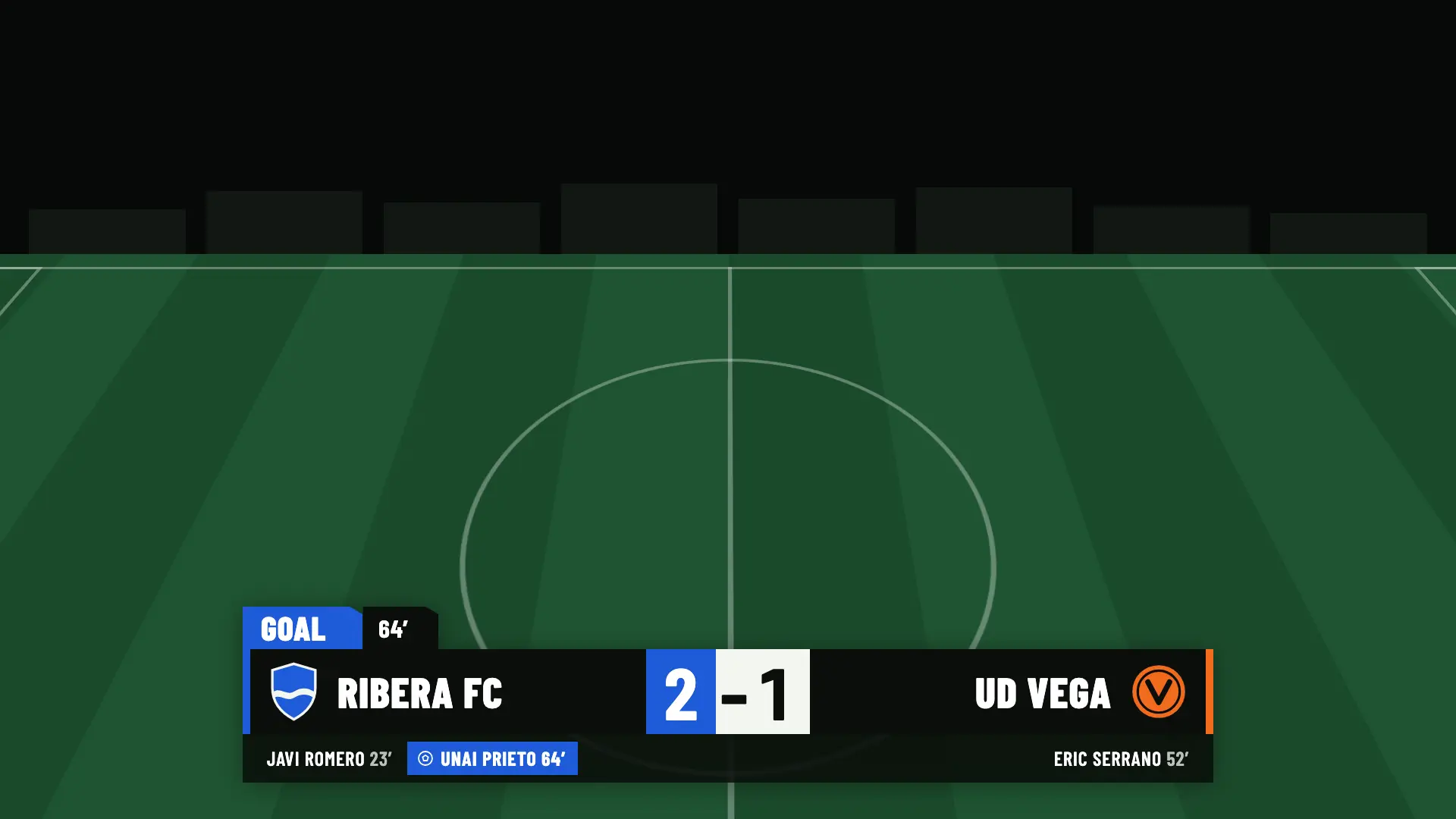
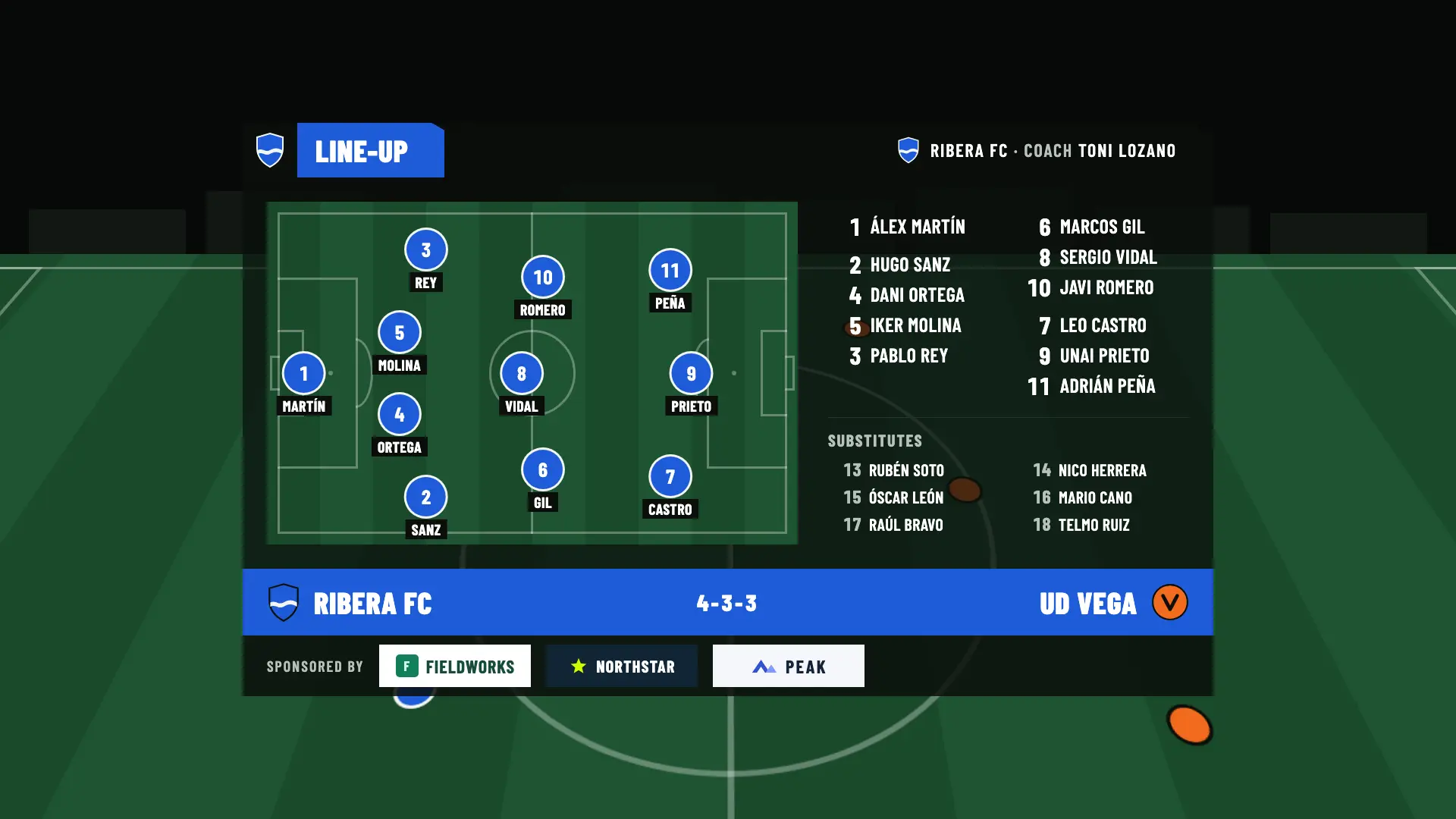
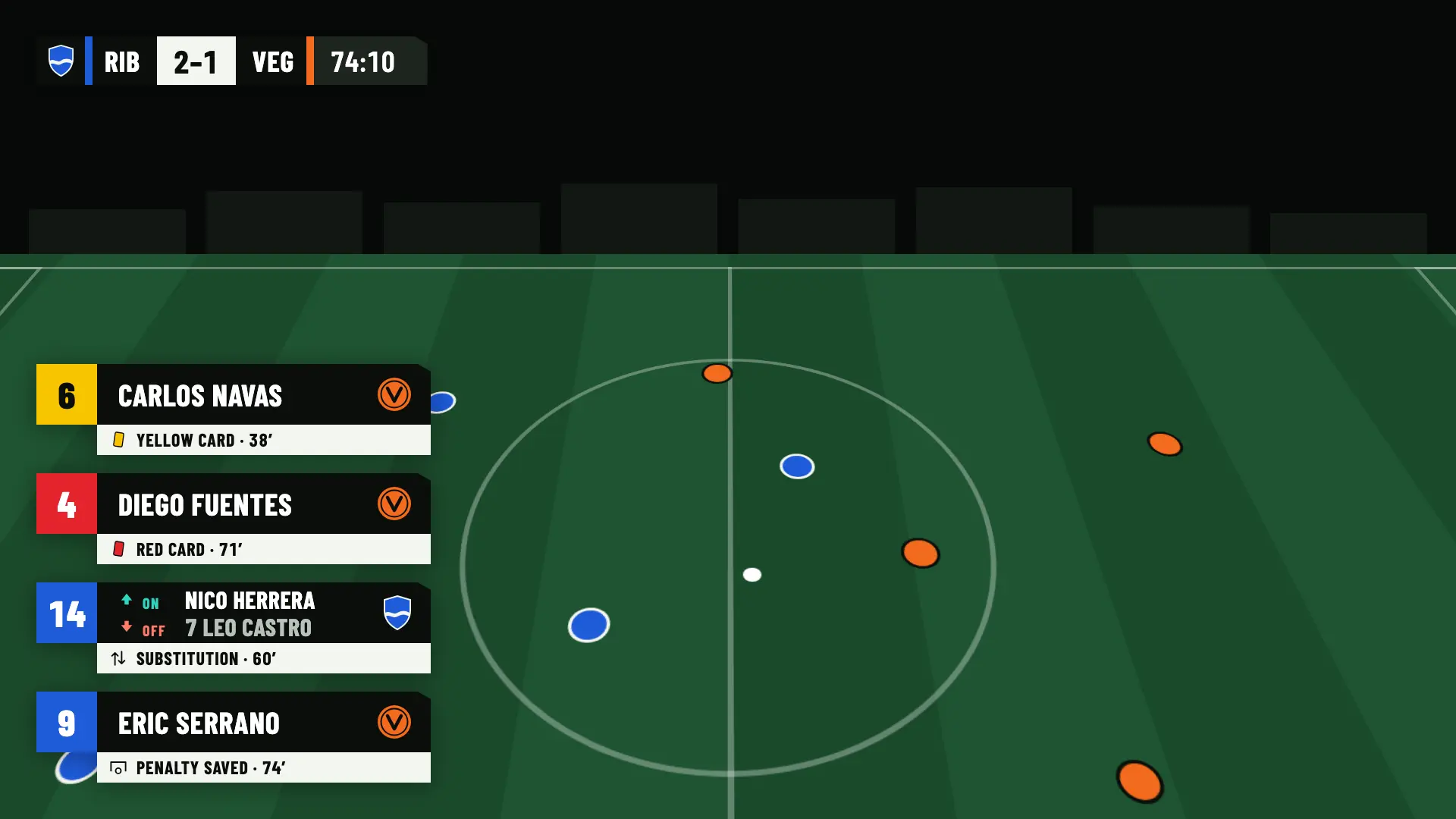
You don’t play for the camera, but the broadcast follows you. These are the four moments of the match when something of yours comes up on screen.
A goal lower third comes up with your name and the minute, and the score goes up at the same time. If you score a penalty, it shows as a penalty goal.
All plansThe operator picks it right after the scorer, in the same sheet. It stays on the match and adds to your season totals.
All plansThe line-up shows the starters, the substitutes and the coach, each with shirt number and name.
All plansWhen you come on or go off, a ten-second lower third shows both names. Cards have their own.
All plansNames are optional. Without them, the line-up and the card and substitution lower thirds show the shirt number, and the goal lower third shows only the minute.
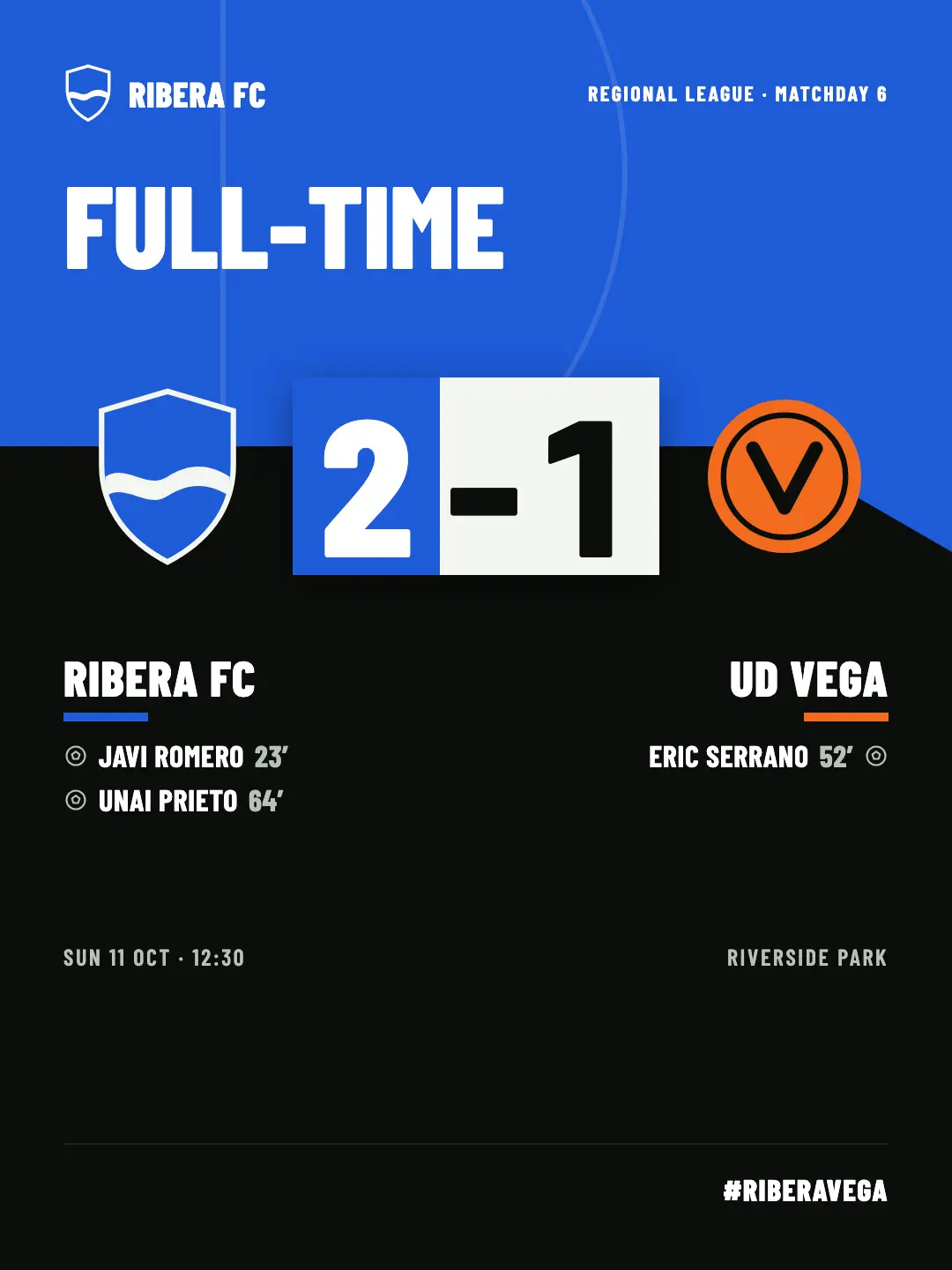
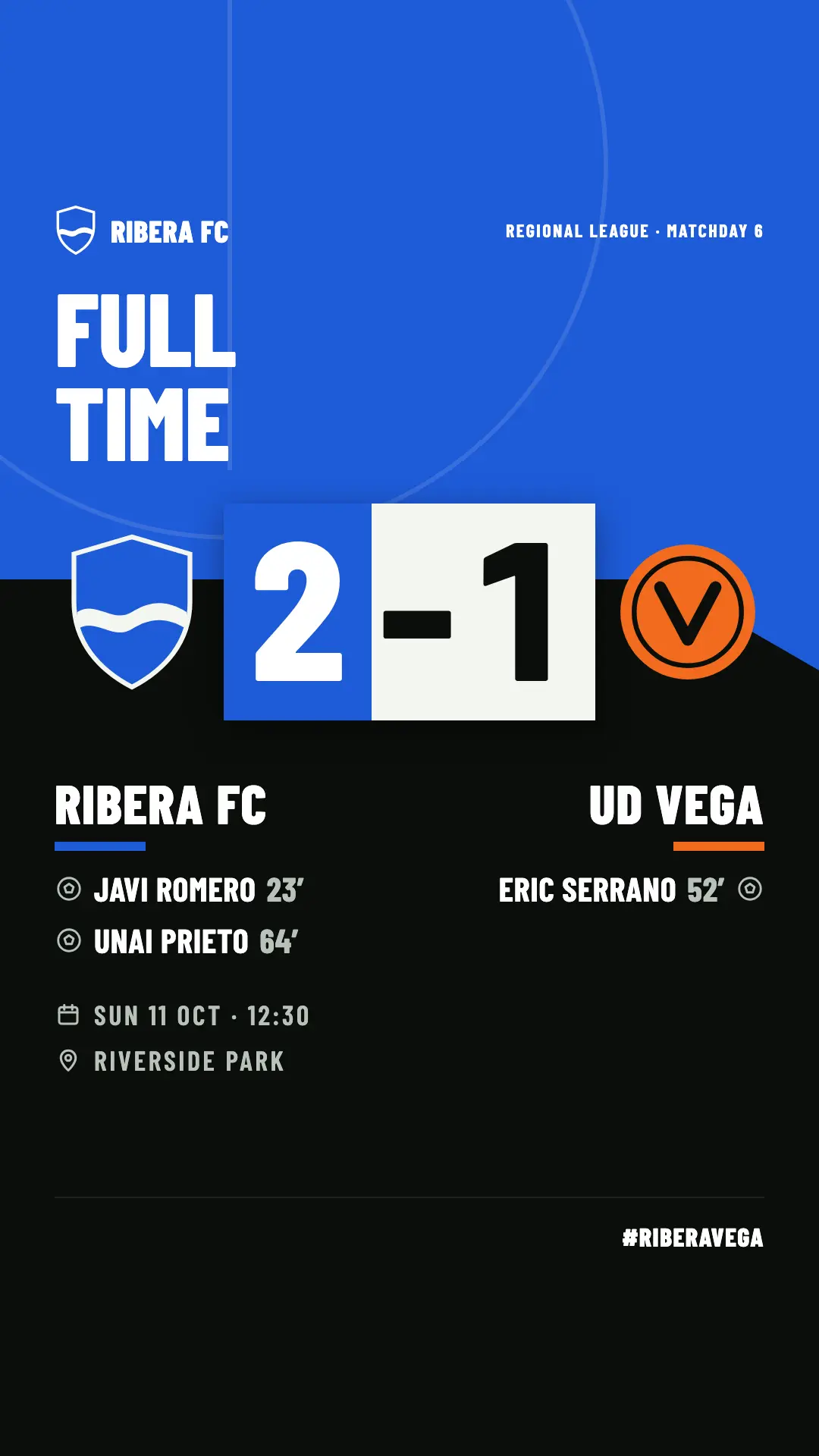
What happens on the pitch is recorded. The club decides what to publish, and you share it.
What isn’t there. For each player, only goals, assists and cards are recorded. There are no minutes played, ratings or shots per player.
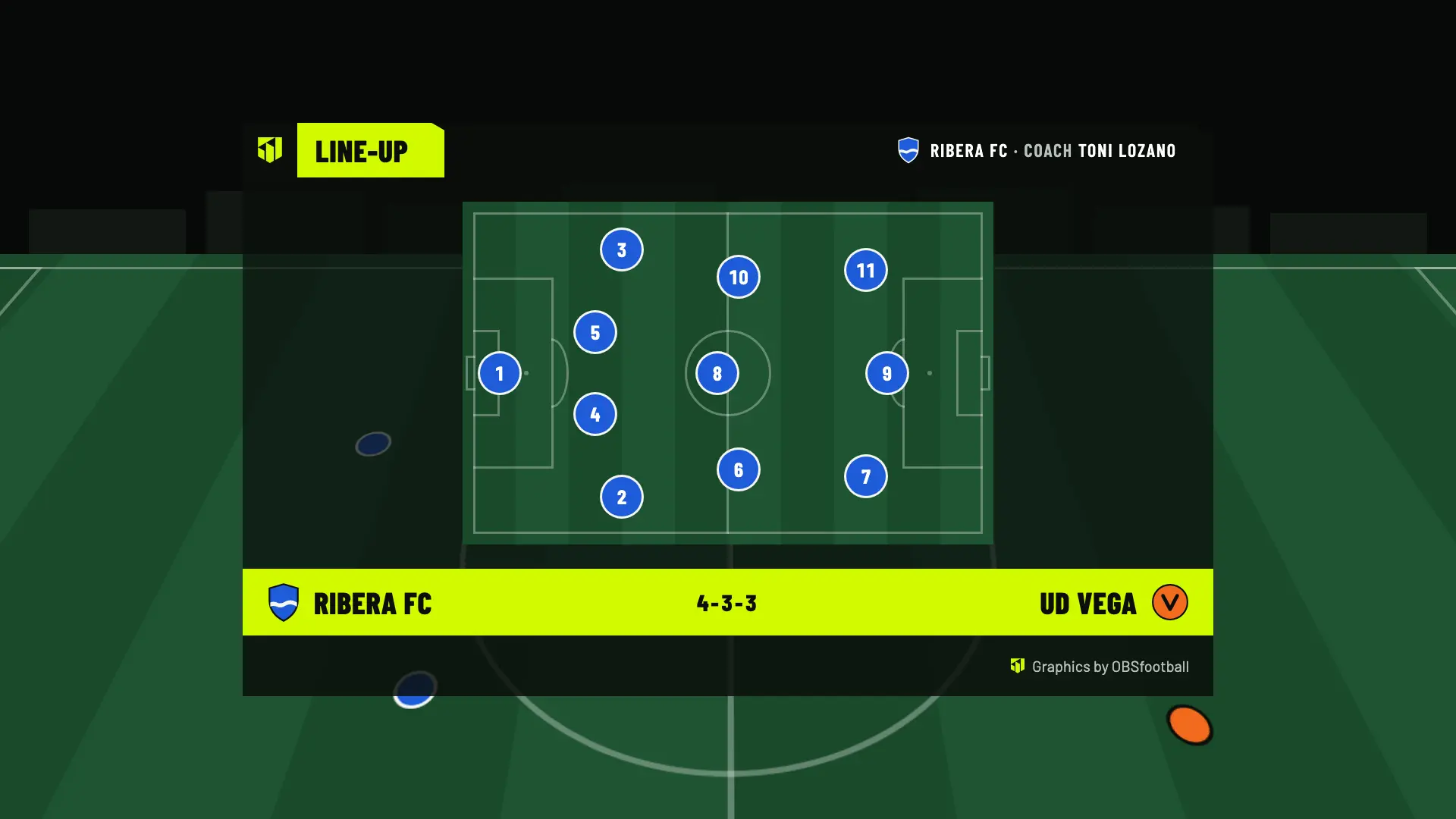
Names are optional. Without them, the line-up and the card and substitution lower thirds show the shirt number.
Before broadcasting, the club should ask permission from the people who appear on the broadcast and, if they are minors, from their families. The broadcast and its images are the responsibility of whoever makes them, not OBSfootball.
The club signs up for OBSfootball, not the people who play. Your part is to suggest it.
Tell them what it is: a scoreboard, goals with names, line-ups and a page with the fixtures and results.
Here they can see what appears on screen and what it costs. You can send it to them with the buttons below.
It creates the club and the match without an account, and has 2 free welcome matches to broadcast.
Send it to the team group or to whoever runs the club. It’s the same page you’re reading.
https://obsfootball.com/players/
You need someone to stream the match with OBS: most often your club, your coach or one of the team’s families switches it on. Anyone can create a team’s space, but it’s best to do it together with the club and with the families’ permission. If nobody streams yet, you can start by sharing this page.
For each player, goals, assists, yellow cards and red cards are recorded. They appear in the player highlights on the club page, if the club enters names and switches on the module. There are no minutes played, ratings or shots per player.
The club downloads them from the app, not each player. The social media images are generated in the browser and can be shared from a phone: ask your club for the goalscorers image, which comes with Studio, or the result image, which comes with Pro and Studio.
Only if the club enters it. Names are optional: without them, the line-up and the card and substitution lower thirds show the shirt number, and the goal lower third shows no name. The squad on the public page is off until the club switches it on.
For you, nothing: the club pays for the plan. It has 2 free welcome matches and can then choose Match Pass (€4.90 per match), Pro (€19/month) or Studio (€39/month).
Share it with your club. Setting up the space is free, and the club gets 2 welcome matches to try it.
If you accept, we share your public page visits, clicks to the app and, once permission is confirmed, your registration and purchases with TikTok to measure our ads. TikTok also receives technical browser information.
This is optional and separate from app analytics. We store campaign identifiers for 30 days. You can use OBSfootball without accepting and change your choice here. Privacy policy