Skip to content
For tournaments and leagues

Stream your football tournament with TV-style graphics

Several fields at once, cups with rounds, extra time and penalties, and the tournament sponsors in every match. Each field gets its own scoreboard and its own control.

2 free welcome matches per account. For more than 3 matches at once, email sales.
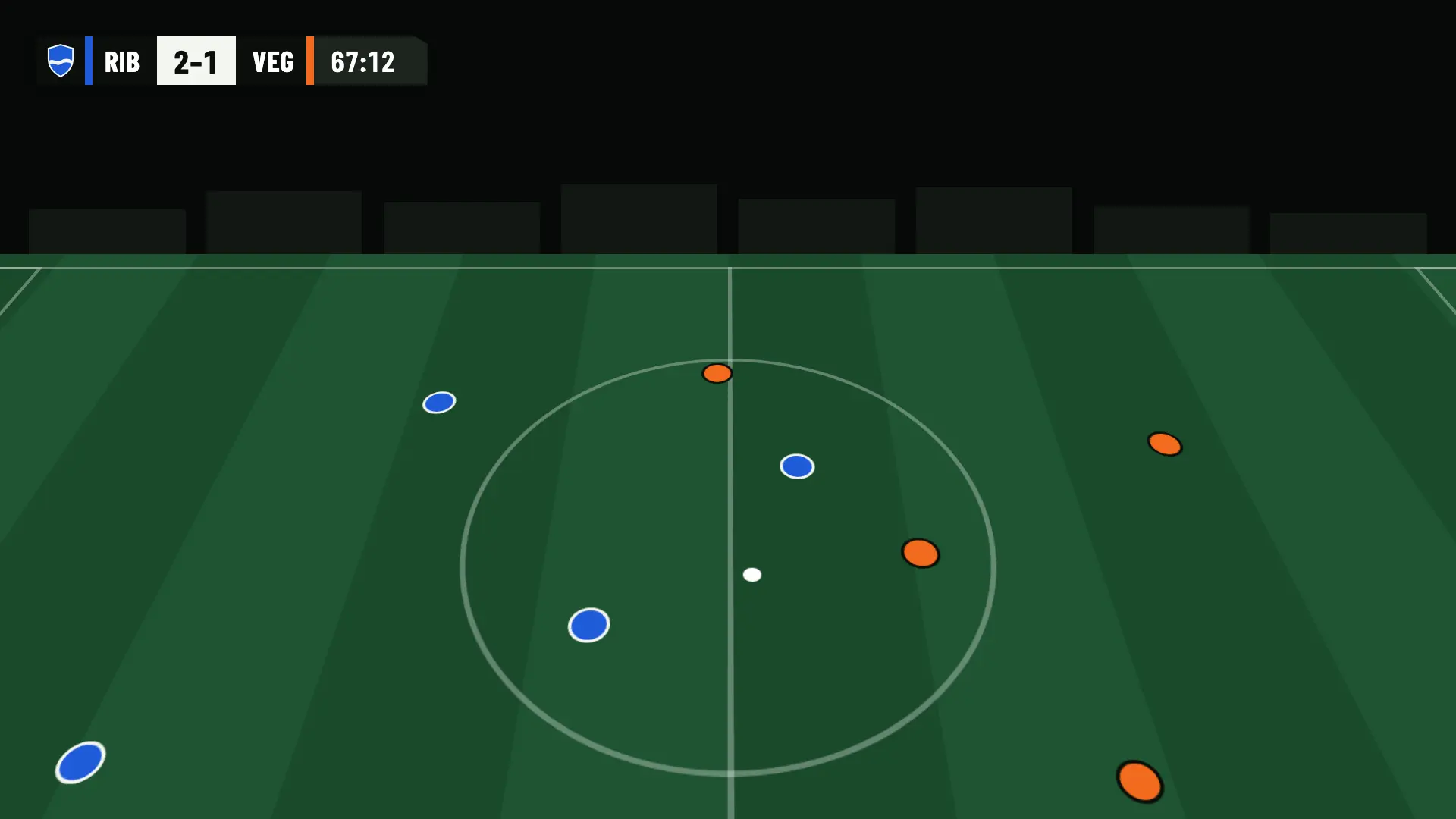
IN PLAY · SCOREBOARD
Scoreboard in OBS: Ribera FC 2, UD Vega 1, minute 67
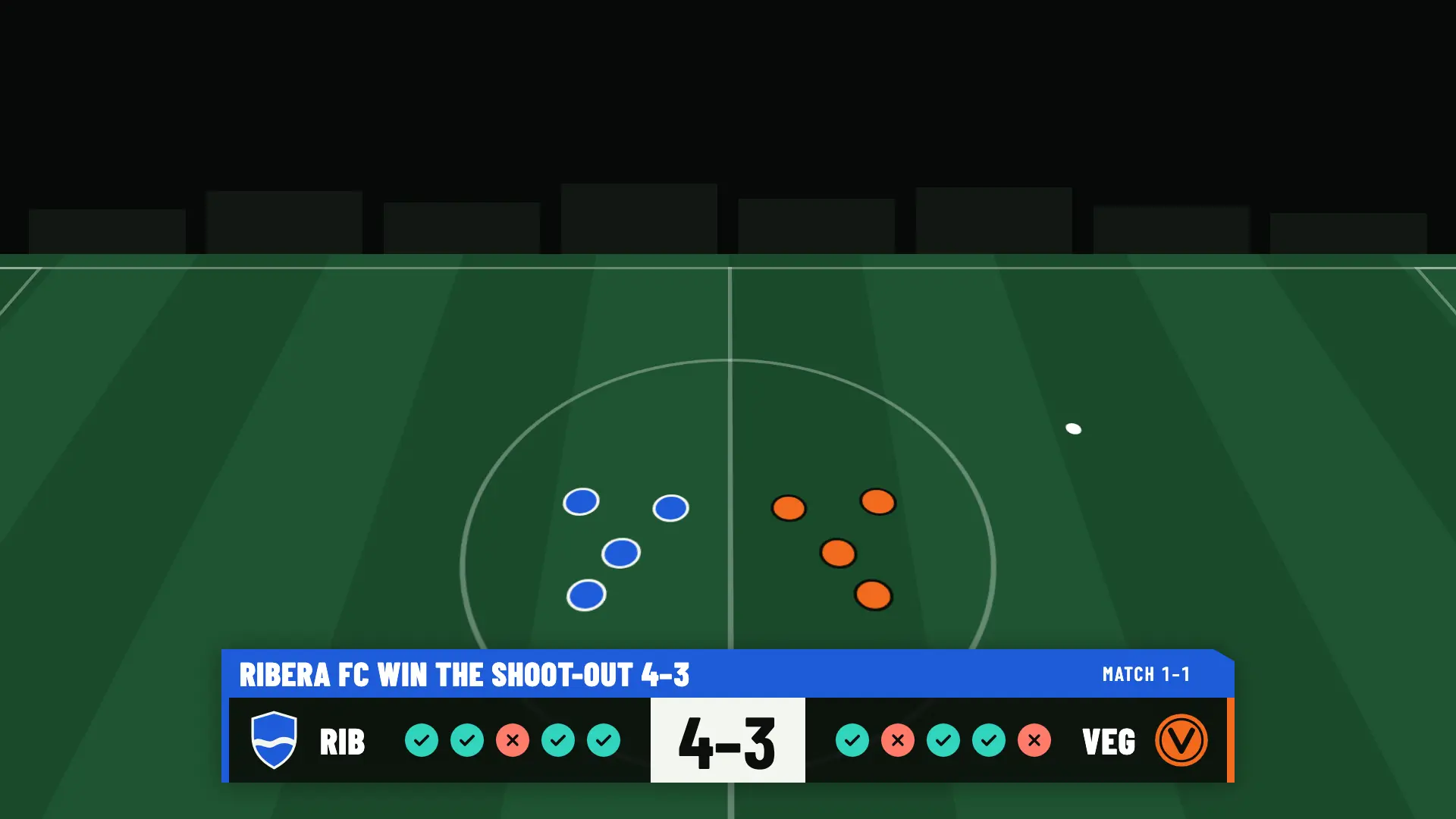
PENALTIES · SHOOT-OUT WINNER
Penalty shoot-out finished: Ribera FC beats UD Vega 4–3
Several fields at once

Each field, its own scoreboard and control

With Studio you can have up to 3 matches in production at once per club. Each one is independent of the others.
  • One OBS URL per match. Each field pastes its own into its browser source.
  • One control team per match, with up to 10 operators, each on their own phone.
  • Operators for their match only. They see just the matches you assign them, and they don’t pay.
Email sales if you need more than 3
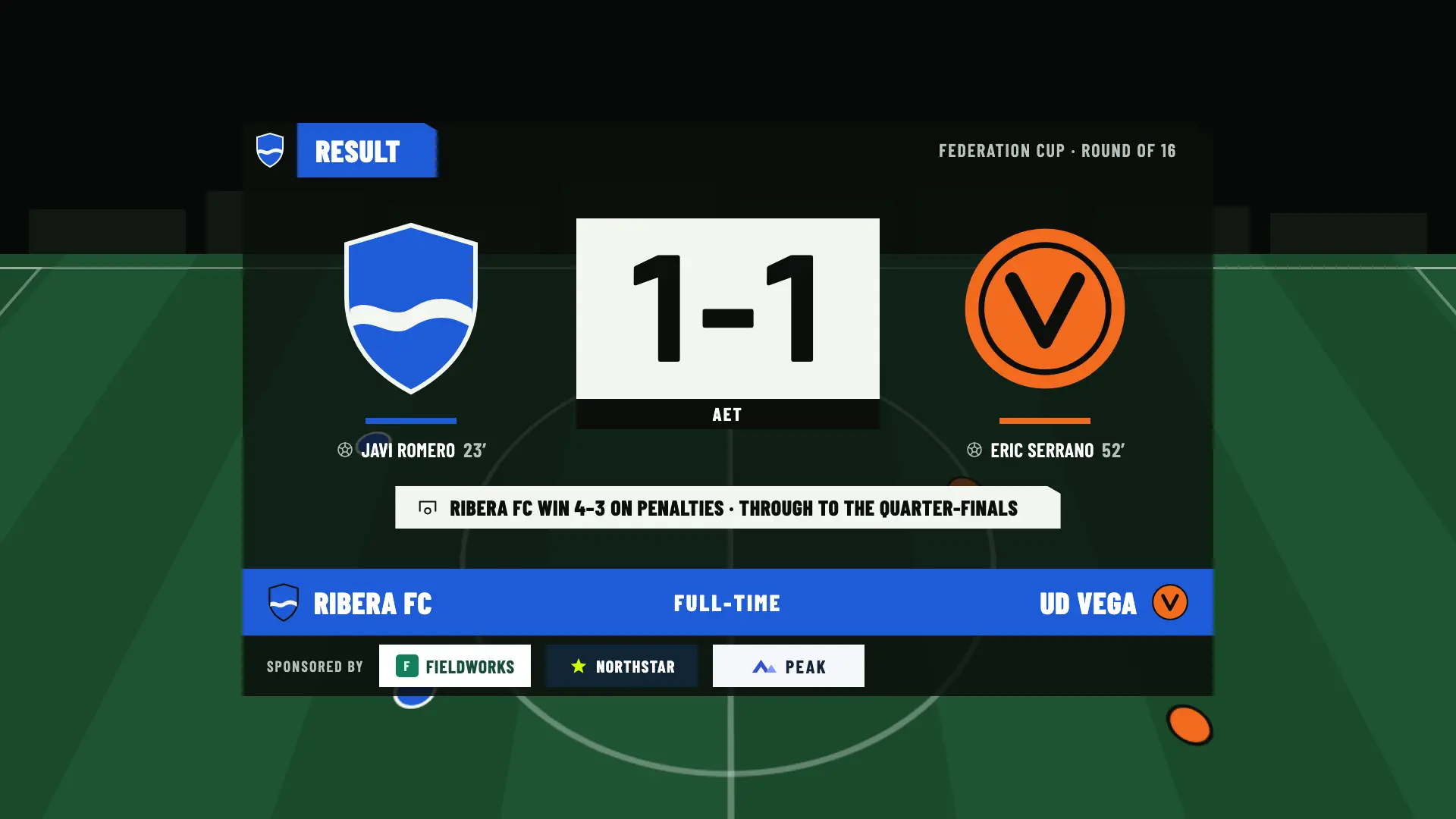
CUP · EXTRA TIME AND PENALTIES
Full-time result of a cup match: Ribera FC 1–1 UD Vega after extra time, and Ribera FC wins 4–3 in the penalty shoot-out and goes through to the quarter-finals
Cups, friendlies and match length

Cups with rounds, extra time and penalties

The full-time result shows the cup round and the extra time or penalty line.
  • Named rounds: Final, Semifinal, Quarter-finals, Round of 16, Round of 32 or any text you prefer. Friendlies have no round.
  • Extra time and penalties. In cups, the default tie-break is extra time and a penalty shoot-out. You can also choose to let it end in a draw or go straight to penalties.
  • Shoot-out on screen: five kicks each, sudden death and the winner at the end.
  • Halves your way. Each half can last from 1 to 60 minutes, with shortcuts for 45, 40, 35 and 30, and extra time from 1 to 30 minutes per half. Handy for youth football.
See leagues, cups and friendlies
PRE-MATCH · SPONSORS
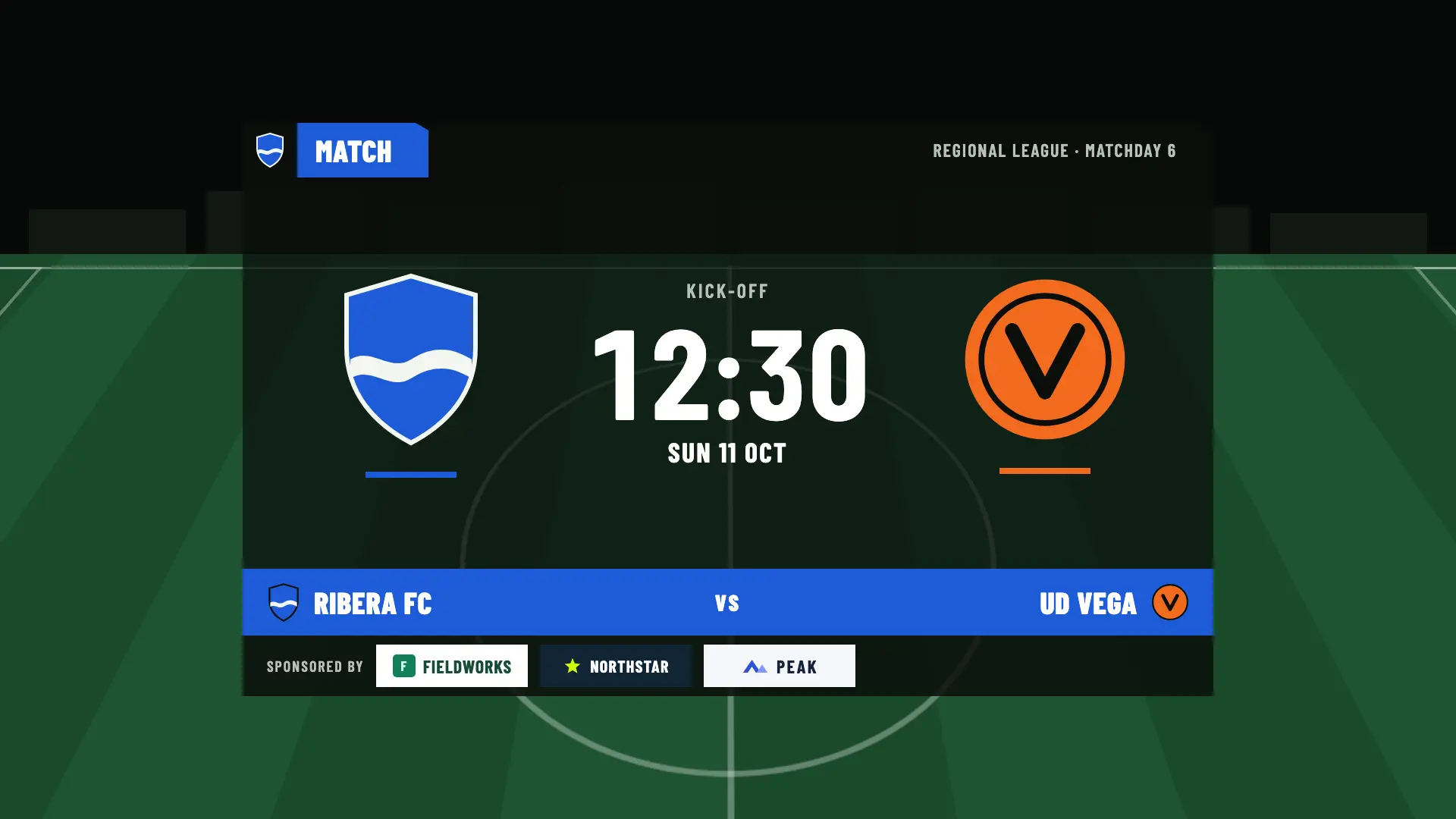
Pre-match scene with three sponsors at the bottom: Fieldworks, Northstar and Peak
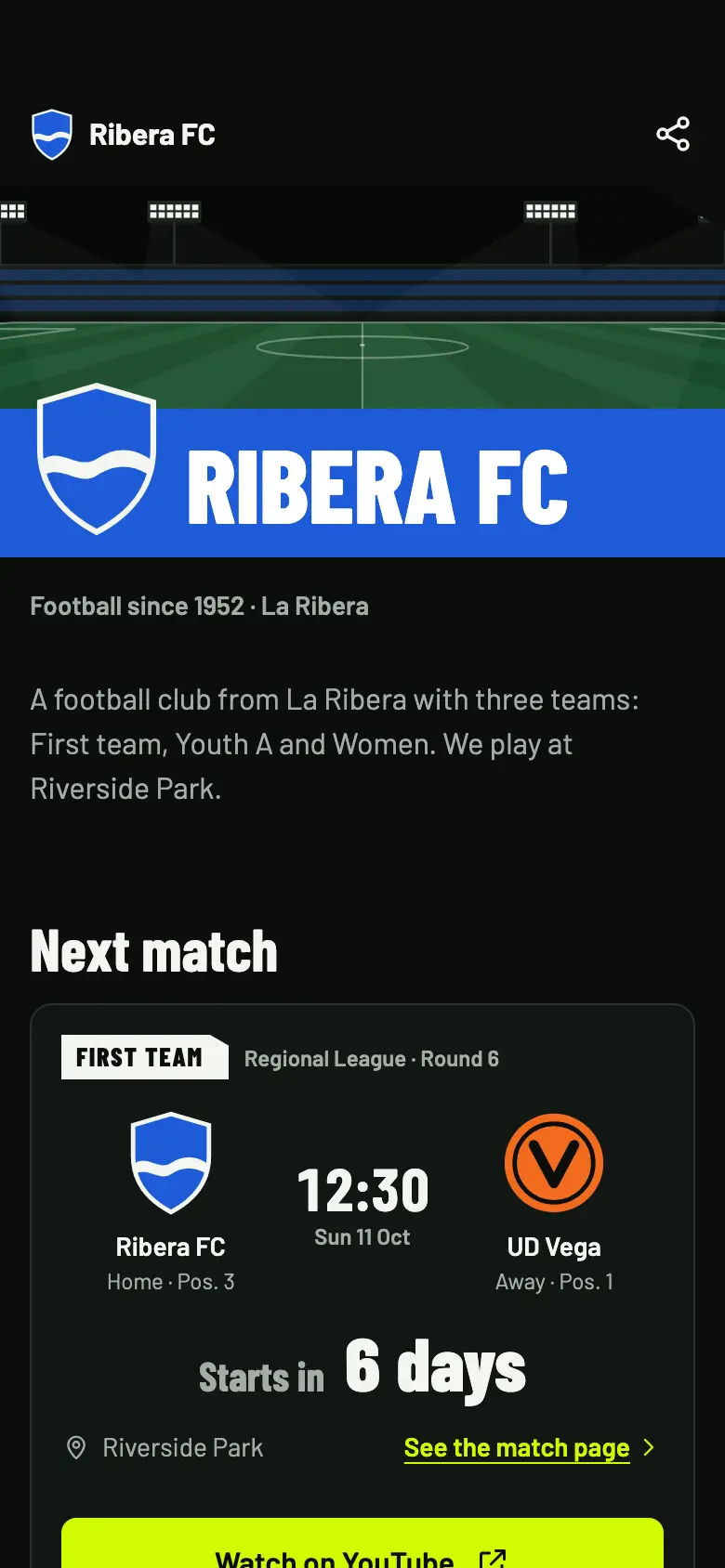
Public page on a phone: next match with the time, the countdown and the Watch on YouTube button
Sponsorship, page and images

The tournament, on screen and on everyone’s phone

Tournament sponsors in every match

They appear at the bottom of the pre-match, half-time and full-time screens, starting with Match Pass. With Studio, also during play, on the social media images and in a PDF report for them.

A public page with the fixtures

Fixtures, results and teams on a web page you share on WhatsApp or with a QR code. Each match has its countdown and a button to watch it on your channel.

Social media images

The result of each match with Pro and Studio. With Studio, the other 11 templates, such as the standings or upcoming matches.

What it doesn’t do

The organizers confirm the standings

OBSfootball doesn’t draw the tournament bracket or work out the positions for you: whoever organizes the tournament enters and confirms them.

  • There is no knockout bracket. Rounds have names, but the bracket isn’t drawn.
  • There is no two-legged aggregate result. Each match has its own result.
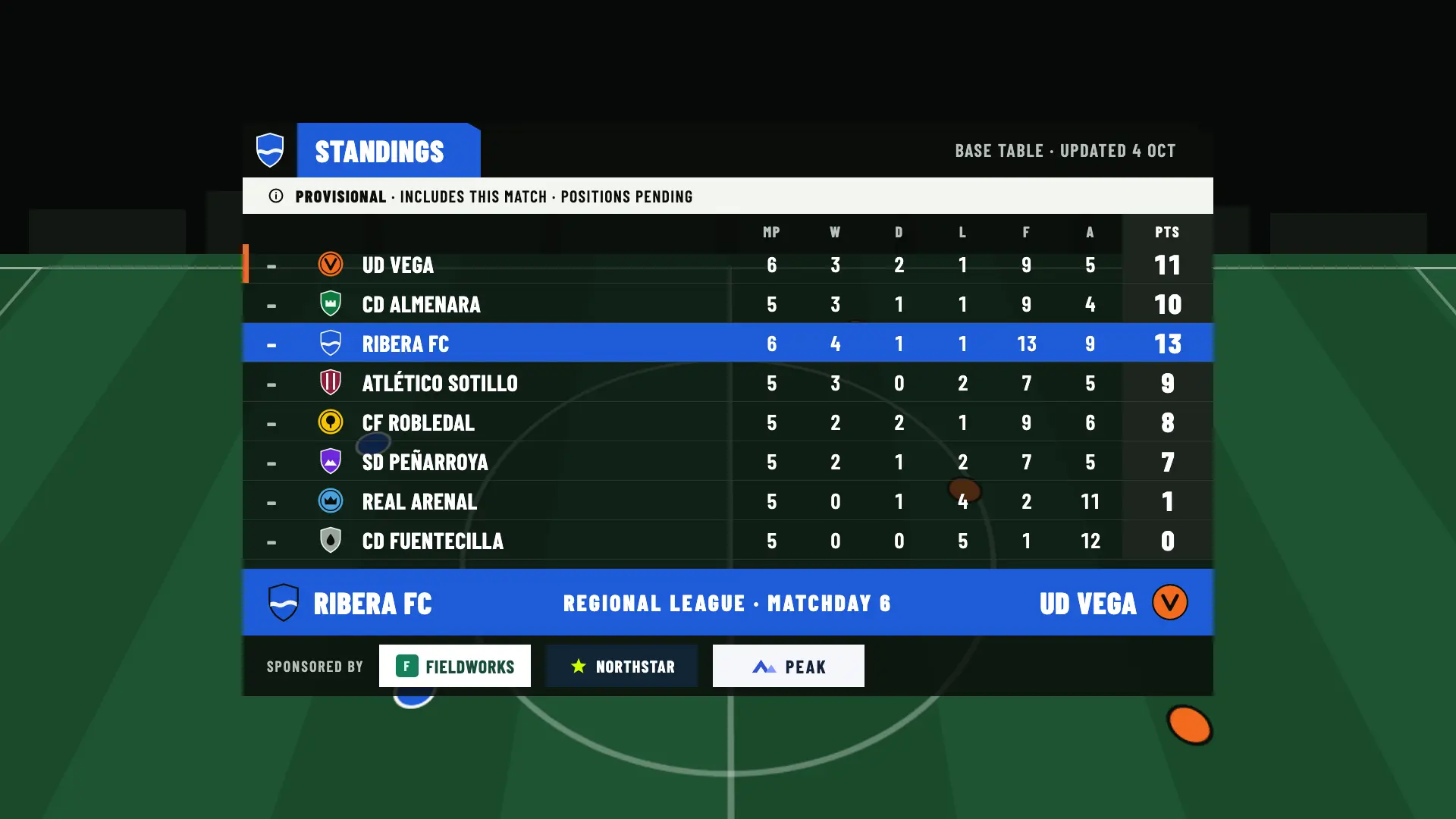
  • Standings are manual. You enter them, and they go from draft to confirmed, with 3, 1 and 0 points by default. Applying a league result is an explicit action, with a review before and after.
  • Cups have no table. Standings are for leagues only.

Managing the standings is free on every plan. Showing them in OBS is a Studio feature.
PROVISIONAL · STANDINGS
Regional League standings at the end of the match: provisional, with this result included and the positions pending confirmation
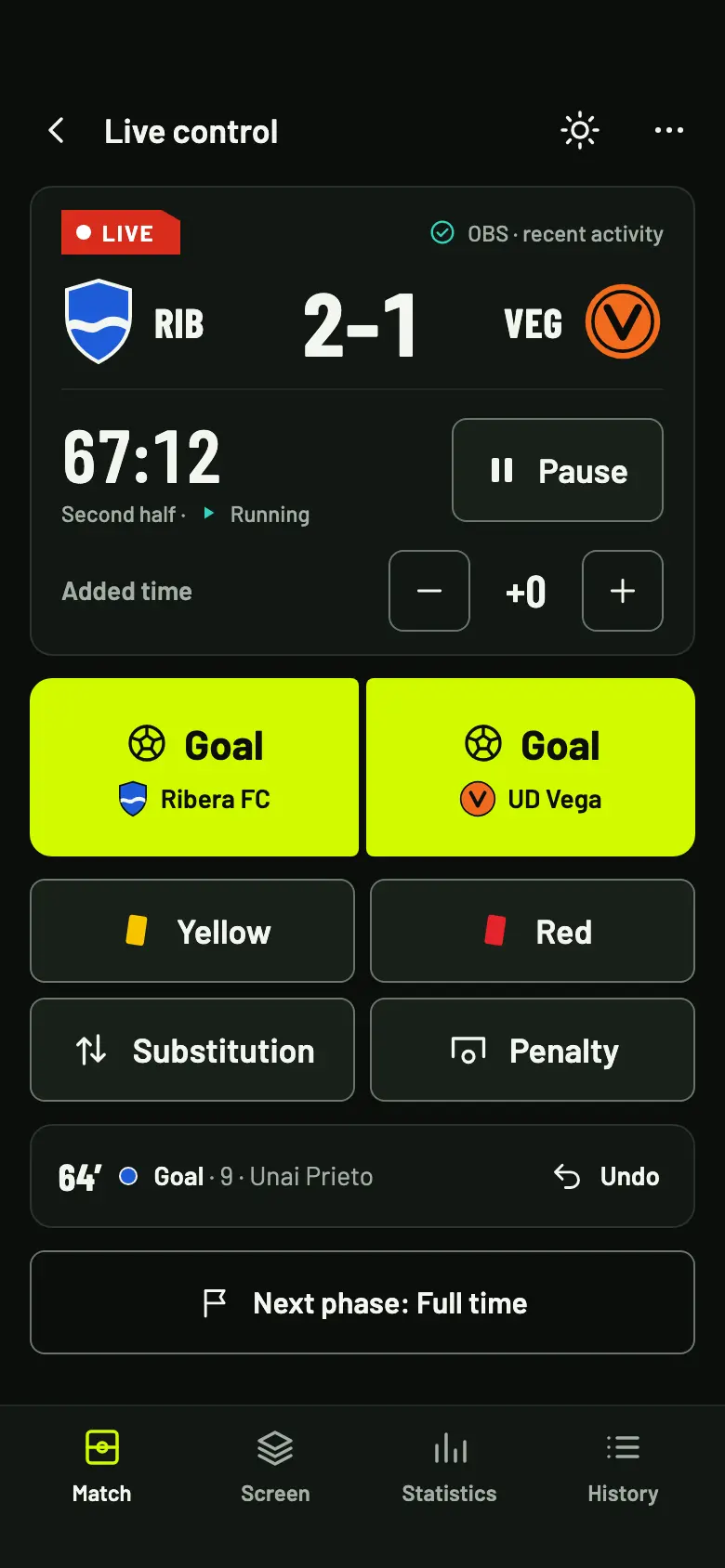
Live control on a phone, with the score, the clock and the goal, card, substitution and penalty buttons
THE CONTROL FOR EACH FIELD
What each field needs

Gear at every field, a TV-style result

OBSfootball doesn’t stream the video: it puts the graphics on top of each field’s broadcast. Here is what each one needs.

  • A computer with OBSIt’s free for Windows, macOS and Linux. The camera and the match graphics come together there.
  • A cameraA camcorder, a webcam or a phone connected to OBS as a camera.
  • An internet connectionClub Wi-Fi or mobile data. The more upload speed, the better the stream looks.
  • A phone for the controlIt opens in the browser, with nothing to install. A match operator runs it.
Read the streaming guide
Questions from organizers

What people ask us before the draw

How many matches can I broadcast at once?

With Studio, up to 3 per club. With Free and with Pro, one at a time. For more matches at once, email sales@obsfootball.com.

What does each field need?

A computer with OBS, a camera, an internet connection and a phone for the control. Each match has its own OBS URL and its own control team.

Can I run cups with knockout rounds?

Yes: named rounds, extra time and a penalty shoot-out. There is no knockout bracket or two-legged aggregate result: each match has its own result, and the organizers keep track of who goes through.

Are the standings calculated automatically?

No. The organizers enter and confirm them: they go from draft to confirmed, with 3, 1 and 0 points by default. Cups have no table. Managing them is free on every plan, and showing them in OBS is a Studio feature.
Can volunteers run the control without paying?

Yes. Invite each person as an operator and assign them their match: up to 10 per match, and they don’t pay. They only see the matches you assign them. The plan belongs to the tournament’s club and only its owner buys it.

What you’ll use the most

A tournament with TV-style graphics on every field

Email us if you need more than 3 matches at once, or create the tournament space and set up the first one.