Leagues, cups and friendlies
The competitions and standings you confirm are the ones that appear on the page.
Fixtures, results, standings and sponsors on a public web page in your club’s colors. You set it up in the app, publish it whenever you like, and your followers open it without signing in.
Free on every plan. Player names are optional.
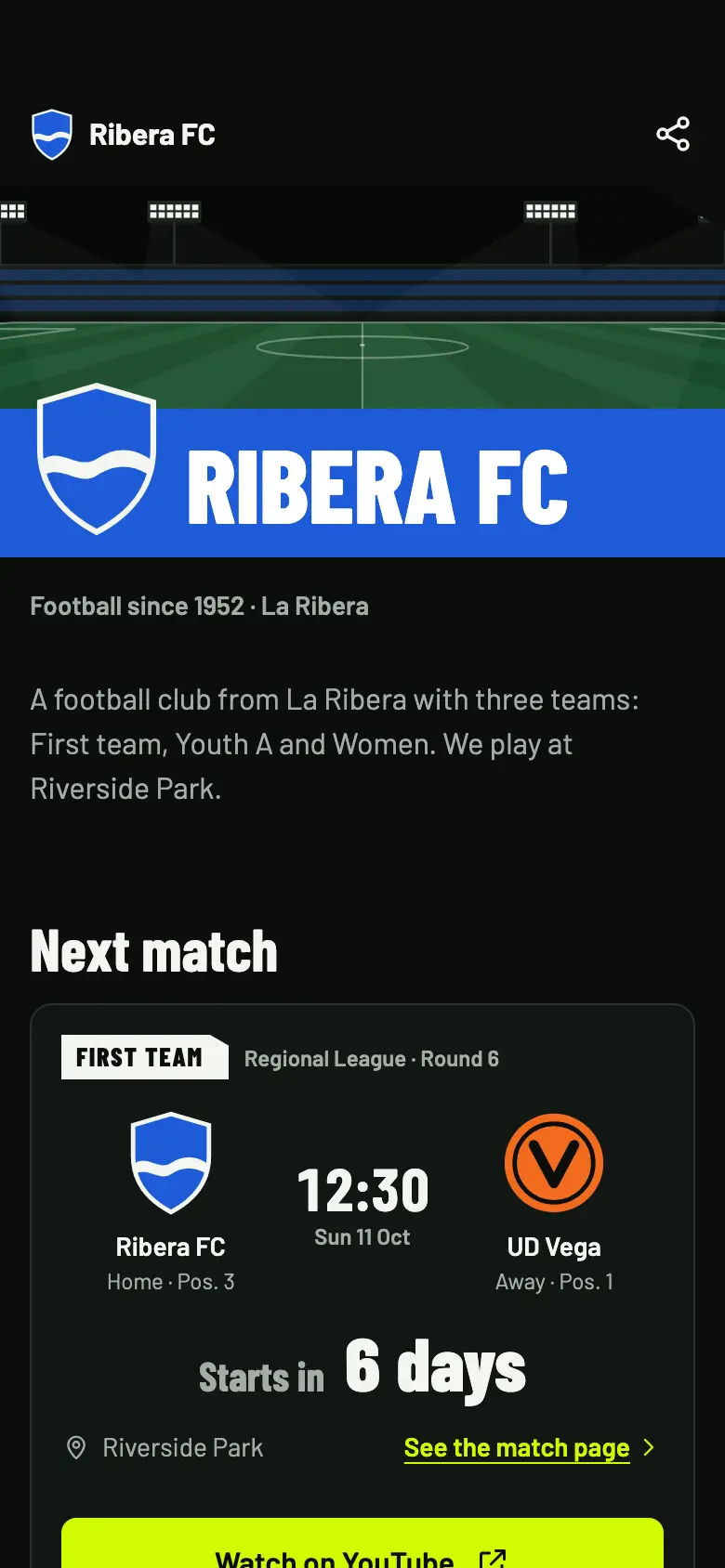
The match calendar and sponsors are on by default. You switch on the rest, section by section, and check it in the preview before you publish.
The next match of each visible team, with the time, the countdown and the button to watch it.
On by defaultSponsors with the “Club page” placement switched on, shown with their logo and website.
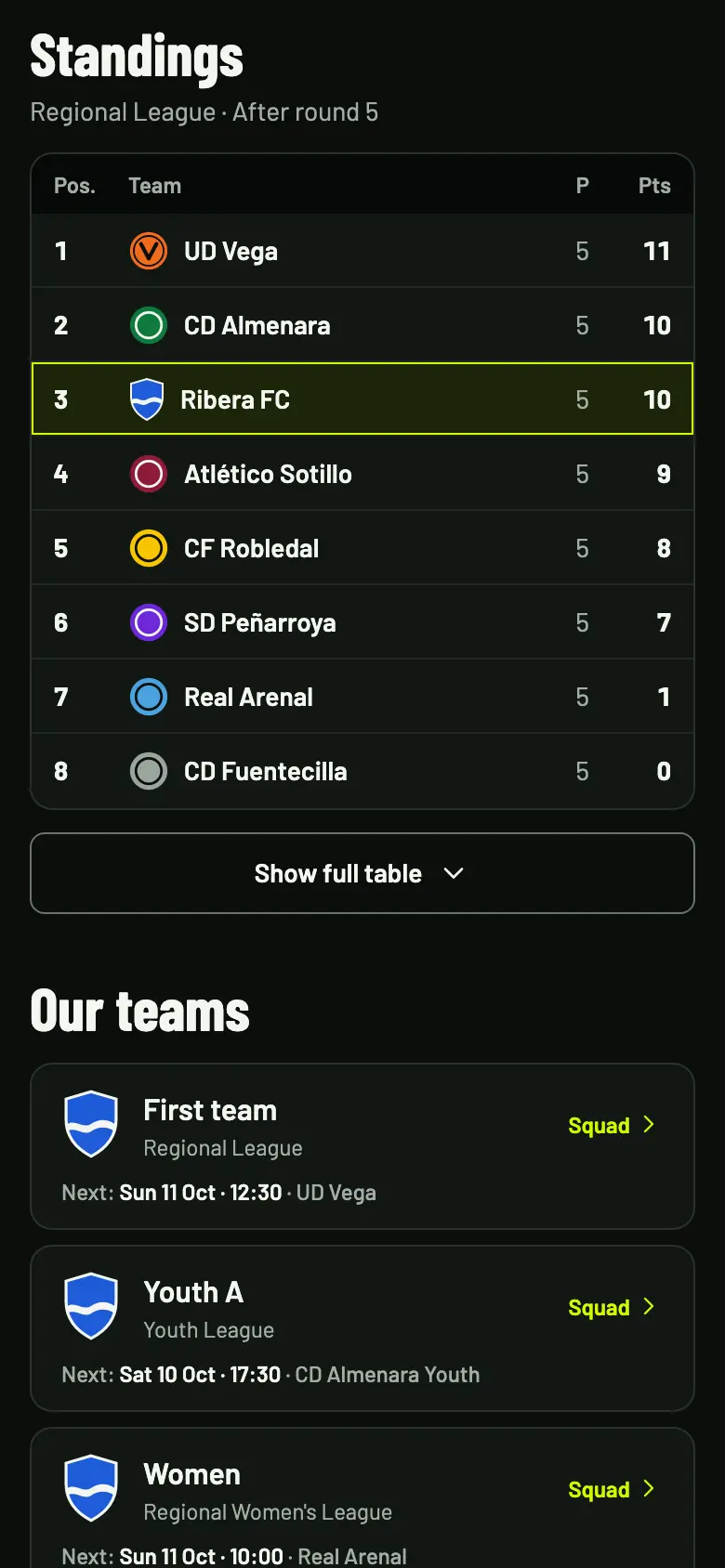
On by defaultThe teams you choose, with their competition. New teams are private until you make them visible.
You switch it onThe latest results the club has confirmed.
You switch it onOnly the table you have confirmed, for each public competition.
You switch it onEach team’s record in the public seasons.
You switch it onGoals, assists and cards, with each player’s name.
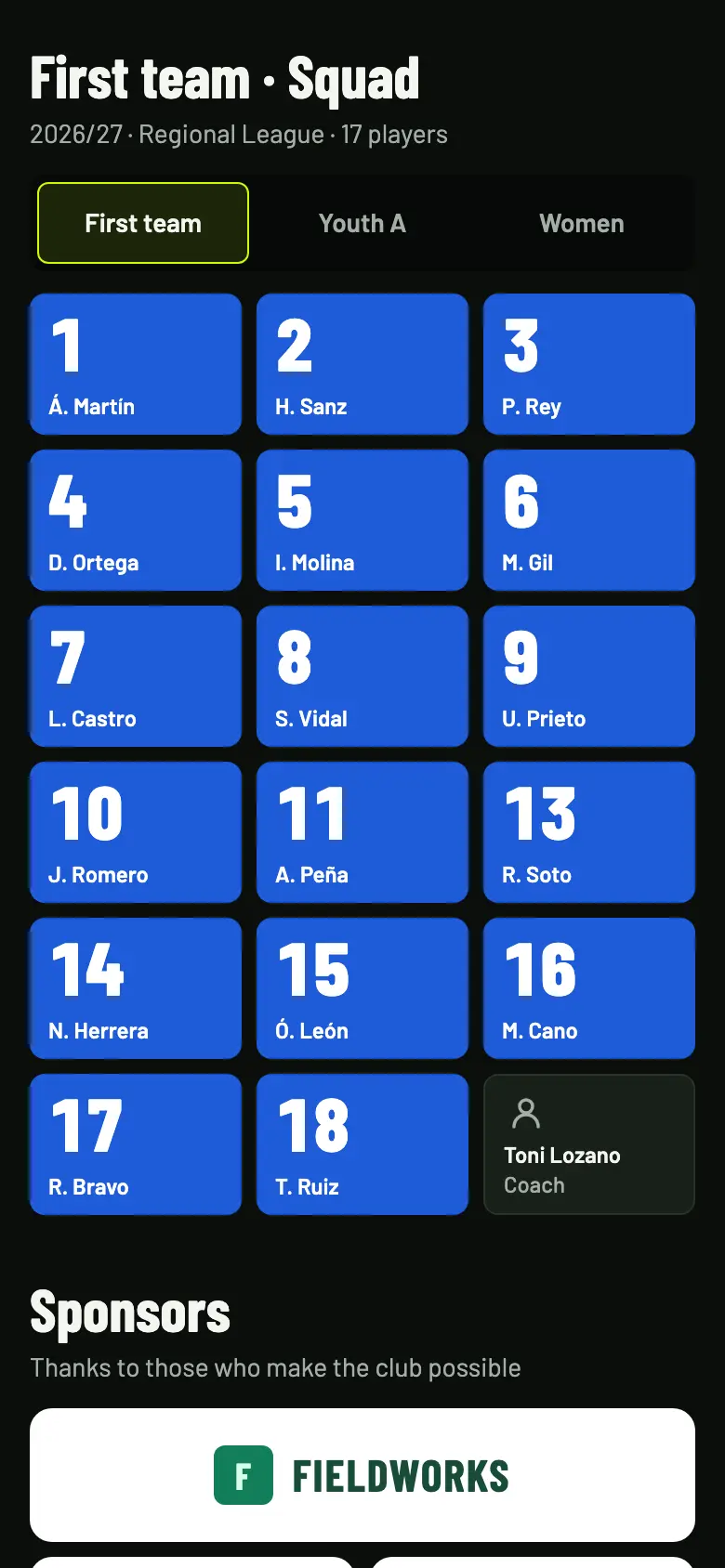
You switch it onShirt number and name of the players and the coach. Off until you switch them on.
With a warning about minorsA single column, with the next match at the top and the rest in sections. The preview lets you check the mobile and desktop views before you publish.
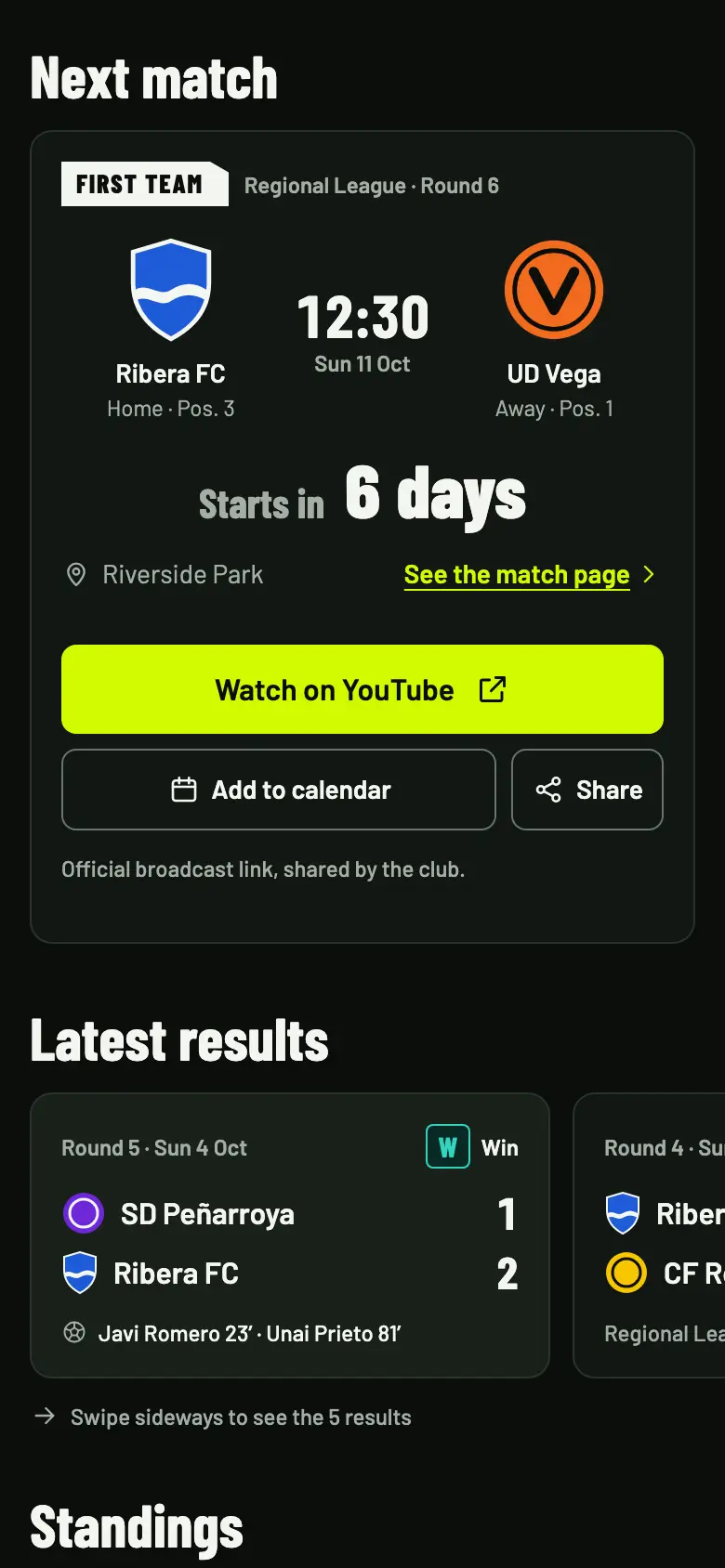
Each match you publish gets its own link, with the time, the score and what has happened. The page changes by itself as the match progresses.
Ribera FC vs UD Vega
Page statesBefore kick-off it shows the countdown. While the match is live, it updates by itself. When it ends, it keeps the result and what happened.
Every page can be shared with one tap. Send the link to the WhatsApp group, let another phone open the QR code with its camera, or add the match to a calendar with the calendar file.
The calendar file is a one-off entry: it doesn’t update if the time changes. Followers aren’t notified; they check the match page.
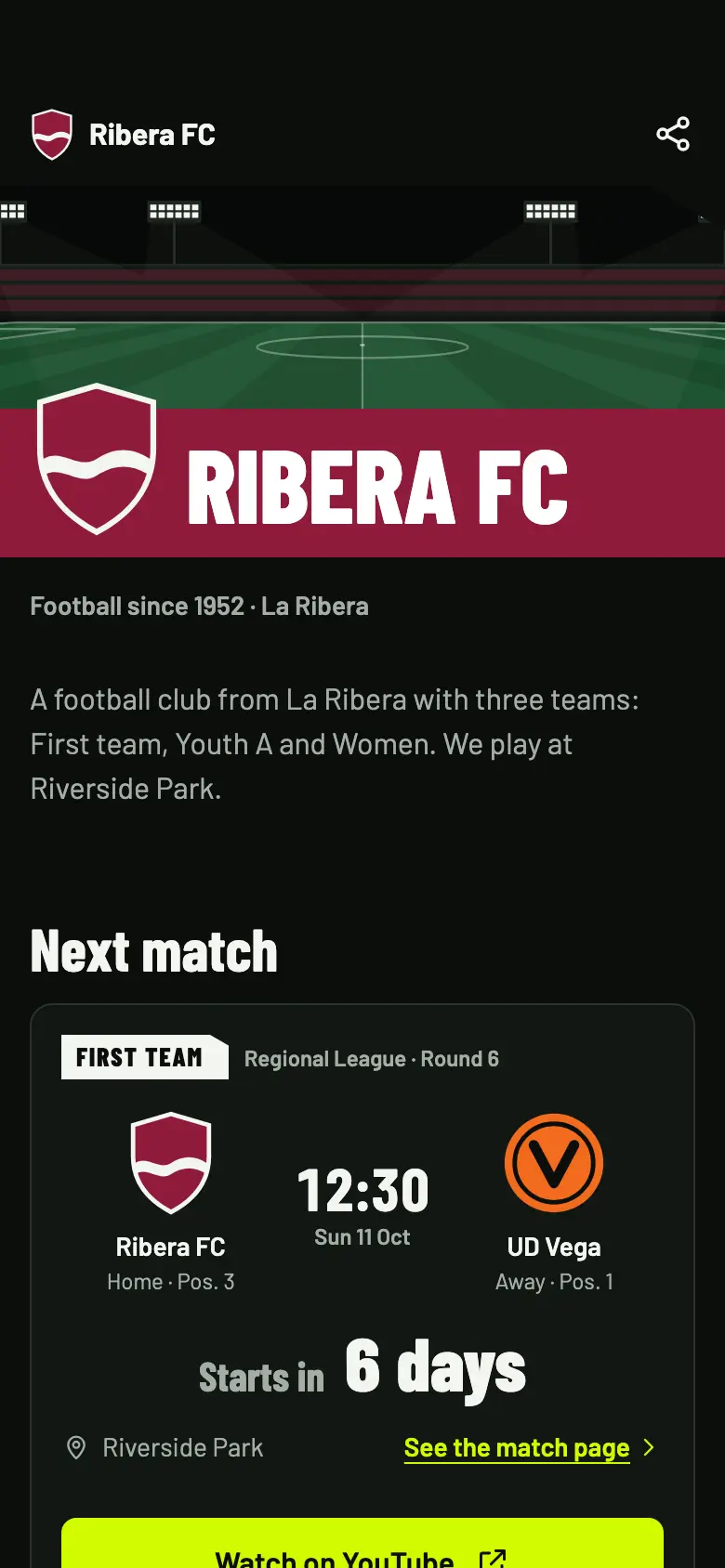
The page uses your club’s name, crest and colors. By default it has a football pitch cover, and you can upload your own.

Setting up and publishing the page is always free. You decide which teams and matches are visible, and player names are optional.
Setting up the club page and publishing each match’s page costs nothing, whichever plan you have.
Players can appear with just their shirt number. Squads are off by default and, when you switch them on, the app warns you that they are personal data.
Only the teams you mark as visible, the competitions you share and the matches you publish appear. Within each match, you switch line-ups, statistics and events on or off.
Before publishing player names, make sure you have permission to do so, especially for minors.
The only thing that depends on the plan is the match statistics counters, which you record with Pro or Studio.
| Feature | Free | Match Pass €4.90 | Pro €19/month | Studio €39/month |
|---|---|---|---|---|
| Publish the club page and each match’s page | Included | Included | Included | Included |
| Match calendar, results, standings and teams | Included | Included | Included | Included |
| Sponsors on the page | Included | Included | Included | Included |
| Players’ goals, assists and cards | Included | Included | Included | Included |
| Fixed address, link, WhatsApp and QR code | Included | Included | Included | Included |
| Match statistics counters | Not included | Not included | Included | Included |
Yes. Setting up and publishing the club page and each match’s page is free on every plan. Only recording match statistics with the counters needs Pro or Studio.
No. The page lives at an OBSfootball address, app.obsfootball.com/clubs/…, which can’t be customized. What you can do is share it with a link, on WhatsApp or with a QR code.
No. OBSfootball doesn’t send notifications to followers. They can add the match to their calendar with a one-time file download, and check the match page in case the time changes.
Almost. While the match is live, the match page refreshes by itself every 20 seconds. It’s not real time, and the video plays on the club’s channel, not inside the page.
Only the ones you publish. Matches are published separately, from their preparation, and matches of a private team aren’t shown either.
Set it up in the app, publish it whenever you like and share the link. It’s free on every plan.
If you accept, we share your public page visits, clicks to the app and, once permission is confirmed, your registration and purchases with TikTok to measure our ads. TikTok also receives technical browser information.
This is optional and separate from app analytics. We store campaign identifiers for 30 days. You can use OBSfootball without accepting and change your choice here. Privacy policy